A simple way to eliminate stuttering and lag in Dota 2 has been found
Author: Hawk Live LLC
Last updated:
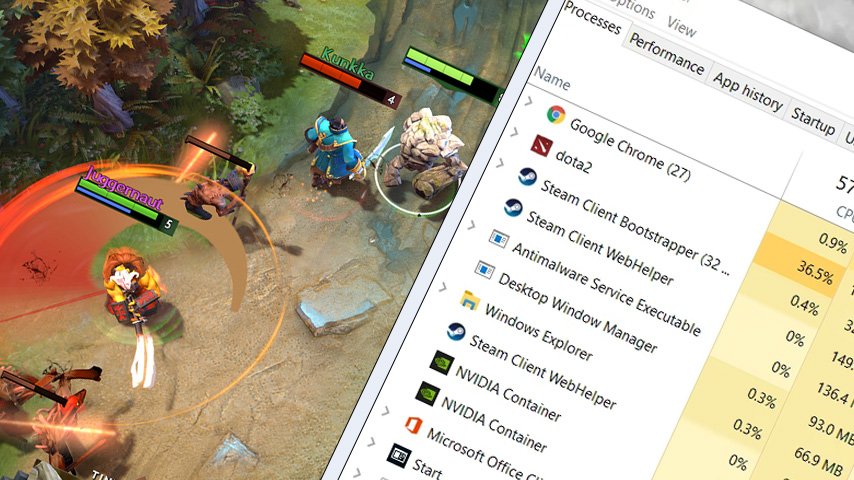
Also, a Dota 2 streamer alongside an analyst named Aren “VeRsuta” Zurabyan highlighted a simple way of reducing the CPU load during the playing of Dota 2. This will help to eliminate cases of hangs as well as stutters that might follow the Crownfall event.
Brief instructions were shared by VeRsuta on his Telegram channel.
"Valve is a sponsor of unnecessary CPU load. If you don't disable the main menu animation in Dota, you will experience a significant difference in CPU load"
It was noted from his screenshot that he had been able to reduce his CPU load by about 11% after disabling animations. He stated that this improved how the game handles. As well, those animations are what largely encumber the cpu during gameplay.
 Source: VeRsuta/Telegram
"You might wonder why the main menu consumes so much CPU. The answer lies in the event. If you go to the 'Fallen Crown' page, you'll see that the animations are still there. These animations are unnecessarily consuming CPU. Additionally, if you disable the main menu animation, you can expect surprises during and after gameplay"
He also said disabling animation is very easy; one just has to enter one command through console mode. By typing “map_enable_background_maps 0” (without quotes) into console mode would disable these animations and thus improve PC performance during game play.
It is worth noting that previously it was revealed how a player can check if they have been placed in the smurf pool of Dota 2 matchmaking.