How to remove hand shaking in CS2
Author: Hawk Live LLC
Last updated:
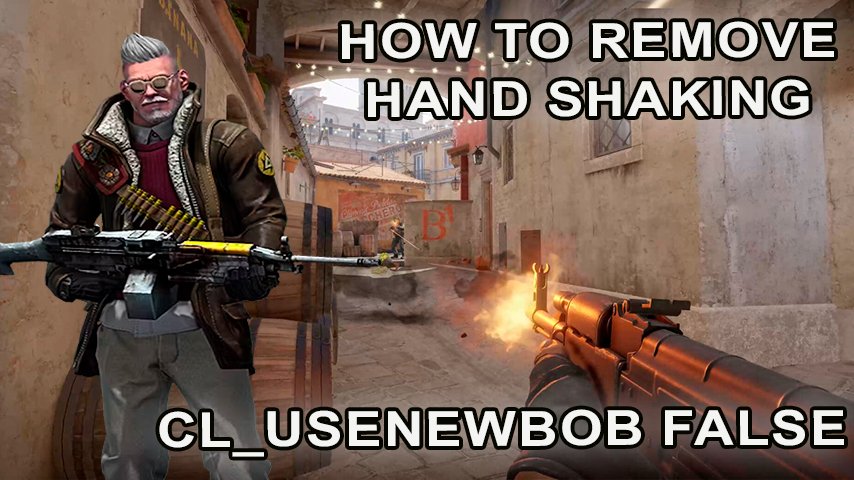
Players turn to specially designed console commands when looking for practical solutions to eliminate hand shaking in CS 2. These tools minimize the problem, make gameplay more comfortable and controllable, and improve perception and reaction in critical moments.
How to remove hand shaking in CS 2
Valve has integrated into CS 2 the ability to control hand and weapon shake through the developer console, allowing players to customize the visual experience to their preferences:
Disabling Hand Shake:
Type cl_usenewbob false.
Press Enter.
To reactivate the animation, use the cl_usenewbob true command.
Effect of Hand Shake on Shooting in CS 2
It should be noted that in CS 2, handshake does not directly affect shooting mechanics. This animation is added for visual realism, simulating running with a weapon in hand and adjusting or disabling it to improve the user experience.
Commands for Shake Control in CS 2

Credit: Valve Corporation
CS 2 offers the ability to fine-tune gameplay through console commands. Currently, the key command for controlling handshake is:
cl_usenewbob false
cl_usenewbob true
Conclusion
Using console commands in CS 2 allows players to customize gameplay to their preferences, minimizing hand and weapon shake. While these customizations don't directly affect shooting mechanics, they can greatly improve your comfort level while playing the game and your overall matchmaking experience. Since handshake is considered a decorative element intended to enhance realism, the decision to use these commands is left to the players, based on their preferences and play style.