How to play Deadlock: multiplayer now available
Author: Hawk Live LLC
Last updated:

Valve's new game Deadlock has caused quite a stir. Thanks to one of the testers, the alpha version of the shooter has already been leaked online and is available to everyone. Despite being an early build of an unannounced game, users report that the project is stable and fully playable.
Although the official servers are currently available only to testers, anyone can already try the training mode and offline mode. However, enthusiasts have found a way to play online with friends and note the stability of the connection, allowing for full matches.
How to Play Deadlock?
It's worth noting that the game has several modes, and not all of them are accessible since Deadlock is still in alpha. Therefore, some additional steps are required to launch certain modes.
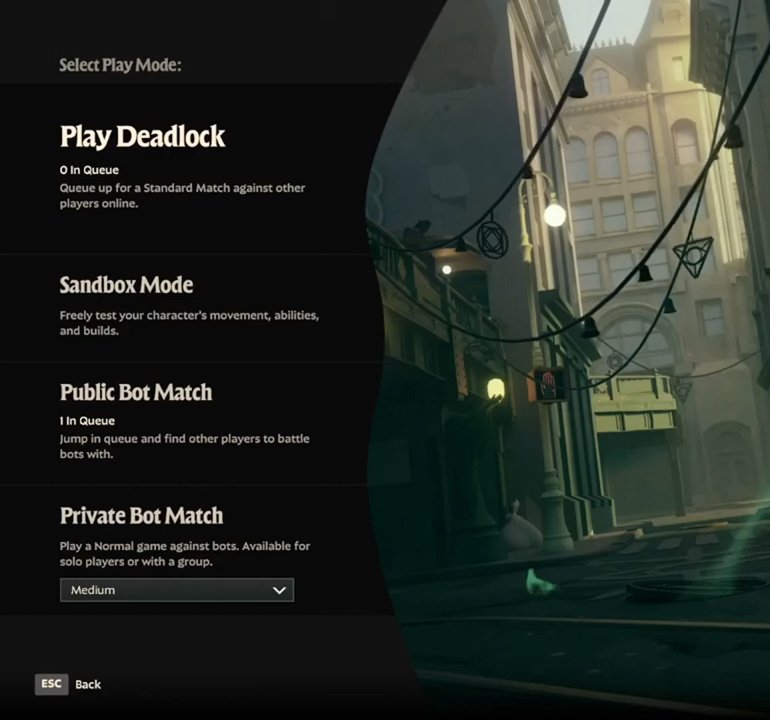
How to Launch Sandbox Mode in Deadlock:
Download the Available Version: Search for the leaked version of Deadlock online.
Install the Early Build: Follow the instructions in the launcher. Remember, this is an unofficial, unannounced game, so be prepared for bugs and unexpected errors.
Launch Deadlock: Don’t start a match right away, as the lack of official servers will result in an error. Select the Sandbox mode, which is designed for practice and resembles a full match, similar to training in CS2.
Explore: You can try out all available heroes and their abilities and engage in combat with creeps.
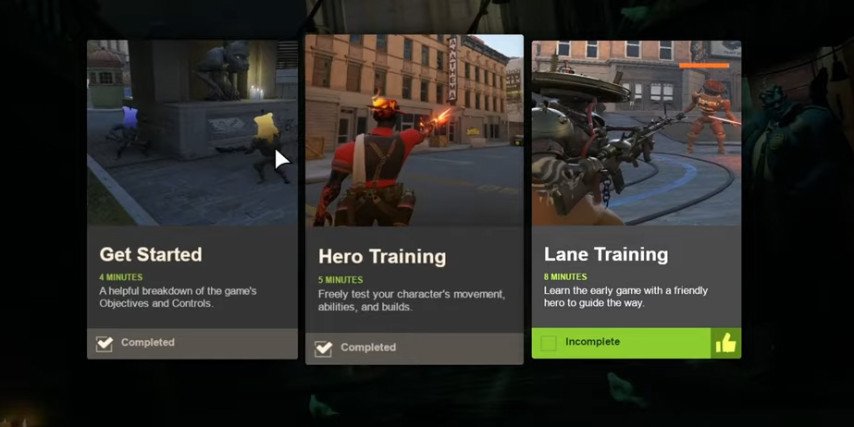
How to Start a Bot Match in Deadlock:
Stay in the Main Menu: Launch the game and remain in the main menu.
Open the Console: Press F7 (default; you can change this in the settings).
Enter Command: Type map street_test in the console to start a match, but no bots will be present initially.
Add Bots: Open the console again and enter exec citadel_botmatch_practice_6v6_easy.cfg. This will add easy bots to the match. You can adjust the bot difficulty with the following commands:
Medium difficulty: exec citadel_botmatch_practice_6v6_medium.cfg
Hard difficulty: exec citadel_botmatch_practice_6v6_hard.cfg
How to Play Online in Deadlock:
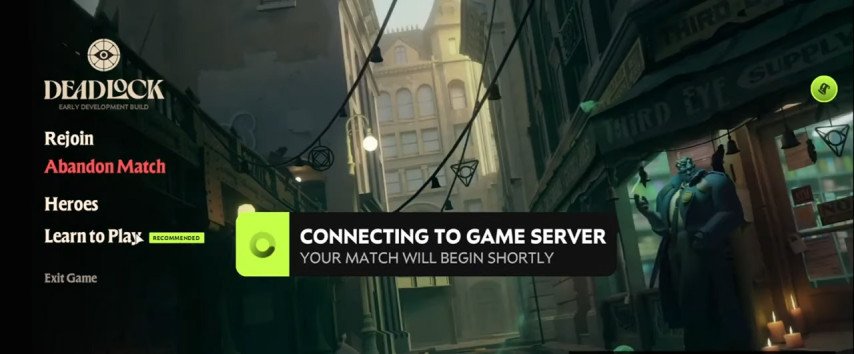
Since the official servers are only available to testers, you need to use third-party software to play online with friends.
Install Hamachi or Radmin VPN: Ensure that your version of Deadlock includes a special LAN-fix to simulate a server.
Launch the Game with the Fix: Use the file that emulates the server and start Hamachi/Radmin VPN.
Start a Map via Console: Launch the first or second map using the console commands.
Join Friends: Friends can join by copying the host's ID and connecting to the match.
Important Note

Keep in mind that Deadlock has not been officially announced by Valve, so there is no official support for the game. Users may frequently encounter issues and various errors while playing.
It's also important to remember that the game currently supports only the English language, and changing it is not possible at this time.