How to Fix Counter-Strike 2 Community Servers Bug
Author: Hawk Live LLC
Last updated:
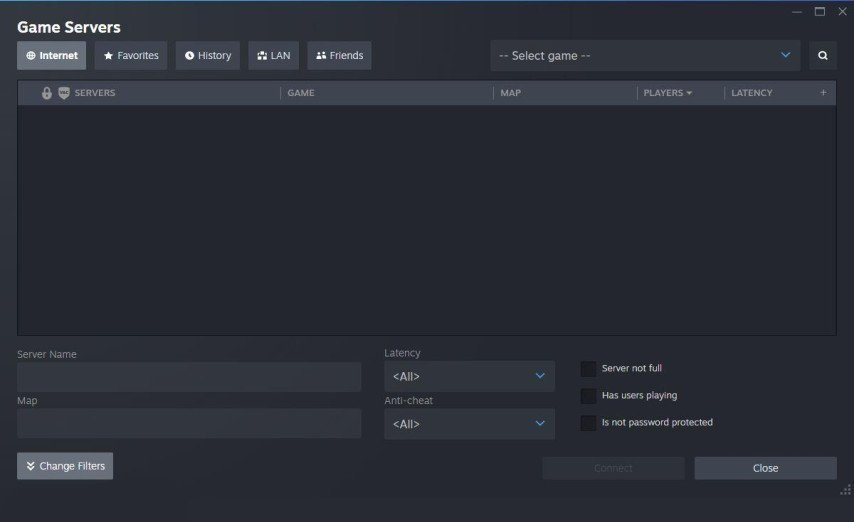
With its improved graphics and gameplay, Counter-Strike 2 (CS2), the latest release in this famous game series, has caught the attention of players from around the world. However, despite these improvements, there have been several problems caused by players, such as community servers not working correctly.
How to Fix “CS2 Community Servers Not Working”
 Credit: Valve Corporation
It is important to know that CS2 is still relatively new; therefore, some glitches it had upon release are being worked out. Valve has shown its commitment to the game through regular updates aimed at fixing these issues. Nonetheless, community server issues persist, thus negatively affecting gamers’ ability to connect and play seamlessly.
Restart Your Computer
Simply restarting your computer is another solution to try. Although this might appear obvious, sometimes it resolves a lot of connectivity issues with community servers.
Verify Game File Integrity
If the restart fails; then you should verify if your game files are intact via the Steam client. This can get rid of corrupted or missing files which may be preventing community servers from loading well.
Check Your Internet Connection
An unstable internet connection could be the reason for connectivity issues. For maximum reliability make sure that your connection is stable, wired connection may be considered.
Disable Firewall and Antivirus Software
Your firewall or antivirus software might block CS2, leading to community server connectivity issues. Try temporarily disabling them to see if it resolves the problem.
Add CS2 to Firewall and Antivirus Exceptions
If disabling your protection helps, add CS2 to the exception list of your firewall and antivirus software to ensure uninterrupted access to the game.
Server Transition to New Engine
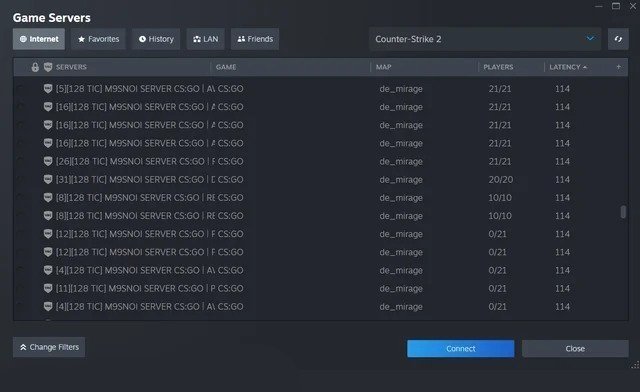
Valve is currently improving its CS2 version in many aspects, which include migrating community servers into the Source 2 engine. This will take time but in the long term enhance stability and quality of play experience.
Credit: Valve Corporation
Conclusion
Issues related to CS2 community servers can be irritating, but you can minimize their impact on your game-play by following these solutions. Valve is still working to improve the game and we expect further progressions in the future.