How to check Valorant hours
Author: Hawk Live LLC
Last updated:
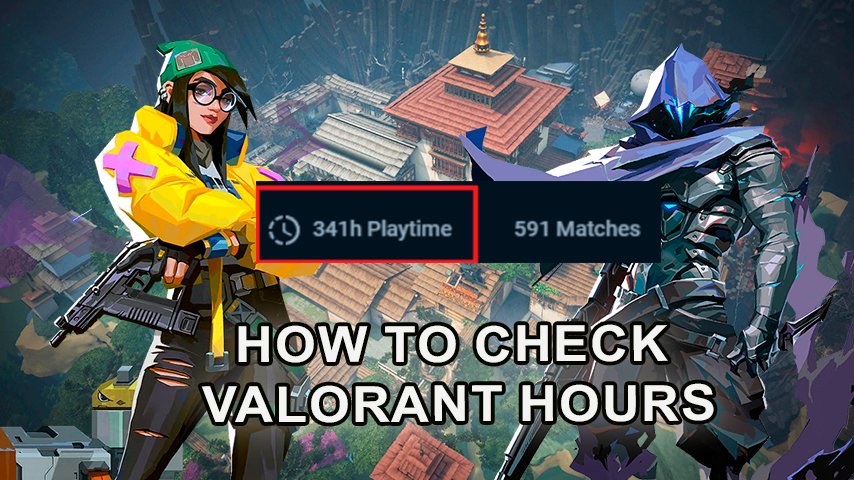
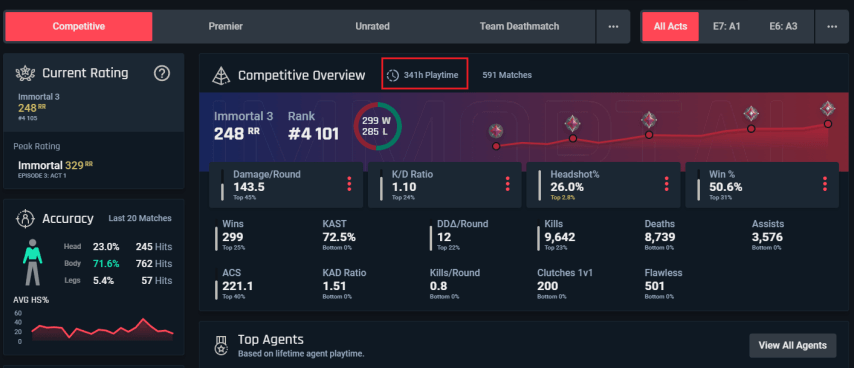
Riot Games' Valorant doesn't have a built-in feature to check your time spent in the game. However, you can use a third-party app like tracker.gg to find out your play time. With this site, you can not only find out your total play time, but also the time spent in the different game modes, as well as the time spent playing each of the agents.
How to check game time in Valorant
The time spent in the game (in-game hours or game time) is calculated as the total time you have spent in the game, including games in ranked, unranked modes and deathmatch. Total game time in Valorant does not include time spent in the main menu or while afk.
 Credit: Tracker.gg
To start checking your Valorant playtime, follow these steps:
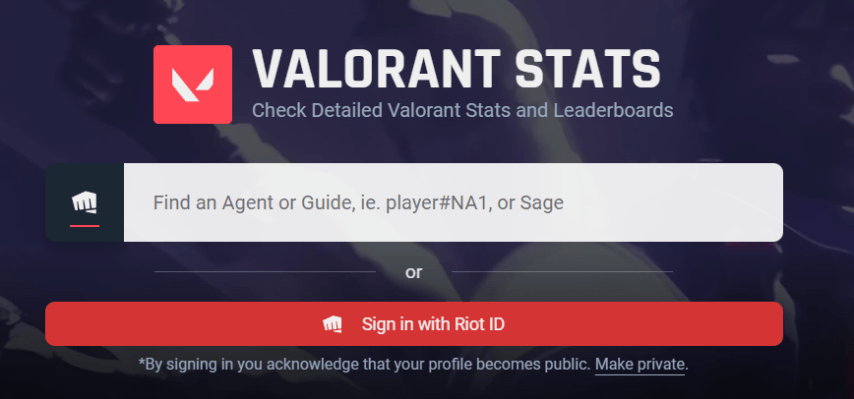
Open a tracker app, such as tracker.gg, that displays total player stats and time in game.
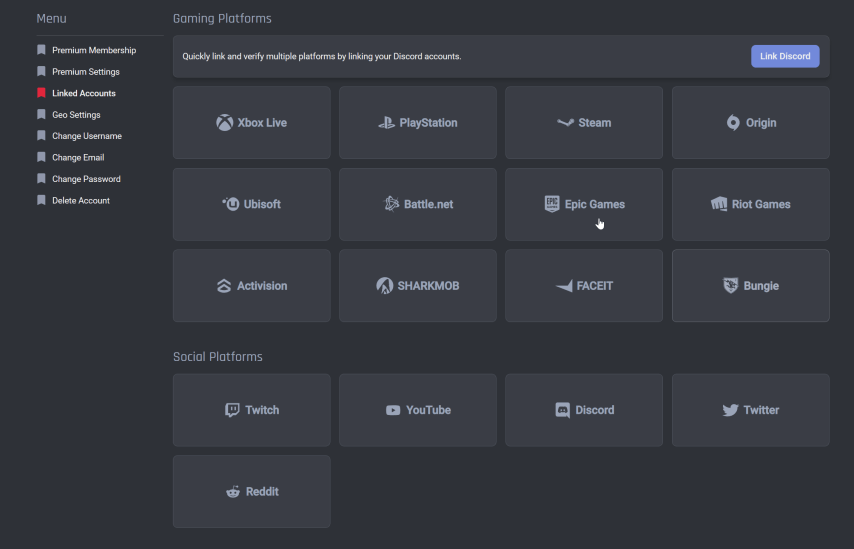
Log in to your account on the app using your Riot ID or nickname Valorant.
 Credit: Tracker.gg
After logging into the app, you will be taken to a page with all of your player stats.
 Credit: Tracker.gg
Click on the game mode you're interested in (for example, "Competitive Mode").
 Credit: Tracker.gg
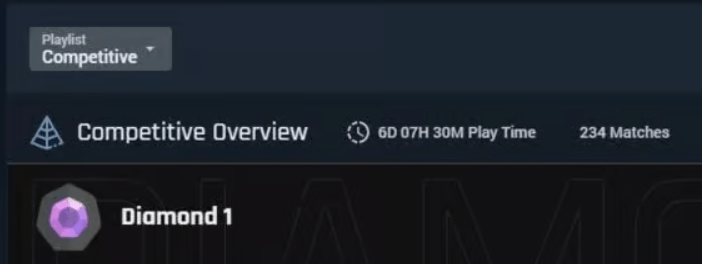
Then select episode and act to see the time spent in a specific season, or select "All Acts" to see total playing time.
After selecting the required filters, you will see the total playing time in hours as well as the number of matches played.
How to check the number of hours per agent in Valorant
 Credit: Tracker.gg
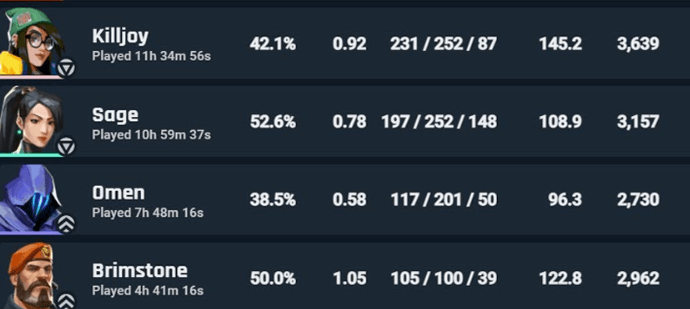
Many players want to know how much time they have spent on each agent in Valorant. For this, you can also use the tracker.gg app by following these steps:
Click on the "Agents" tab in the navigation bar under your username on the app page.
Select the game mode and act for which you want to see stats.
After selecting the required filters, you'll see a list of the agents you've played as, as well as the time you've spent playing each of them in Valorant.
Ultimately, using third-party apps will help you easily track your time in Valorant and understand which aspects of the game take up the most of your time.
Whether you want to check how many hours you've spent playing or see a detailed breakdown of your spending on skins, our step-by-step guides will walk you through the process.