Top Dota 2 Discord Servers You Need to Join Now
Author: Hawk Live LLC
Last updated:
What Are Discord Servers and How Do They Work?
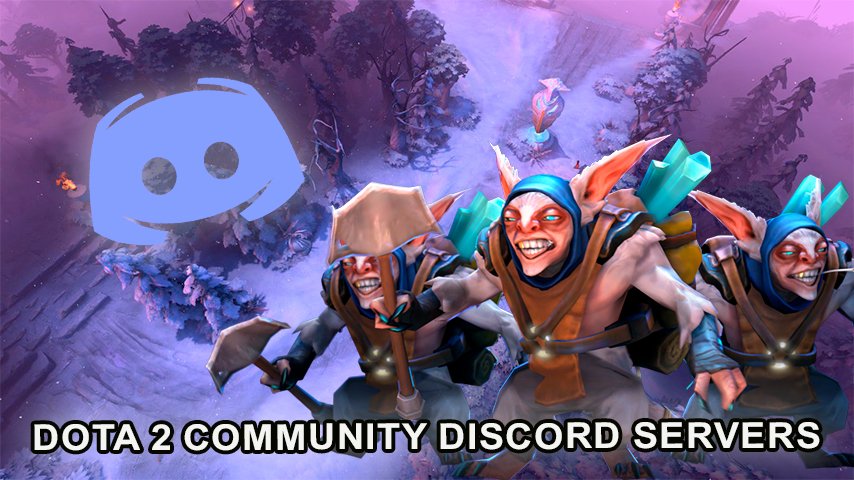
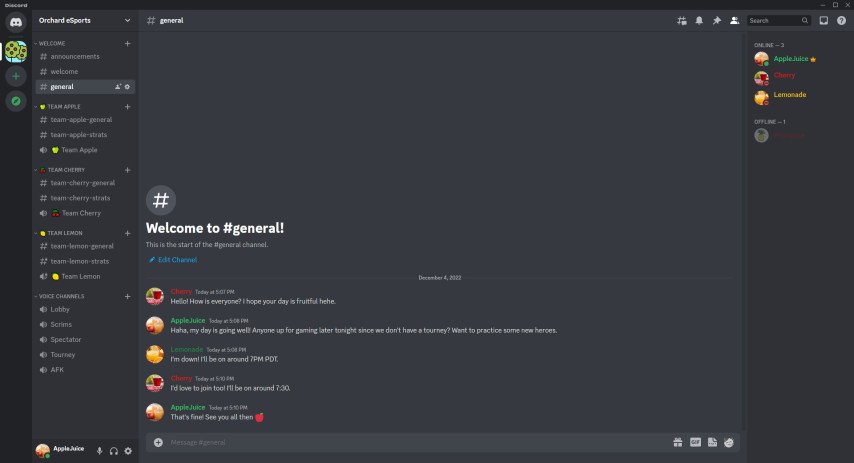
In the simplest terms, discord servers are online spaces built around specific communities. Discord serves as a robust evergreen messenger application that allows users to create chat rooms often referred as servers. Discord servers can be dedicated to various topics ranging from esports, and gaming, to music, art, and general talking. Relating to Dota 2, Discord servers are important as they link players, fans and professionals allowing them to strategize, look for teams, exchange experiences and even go for tournaments.
 Credit: Discord
Types of Dota 2 Discord Servers
 Credit: Discord
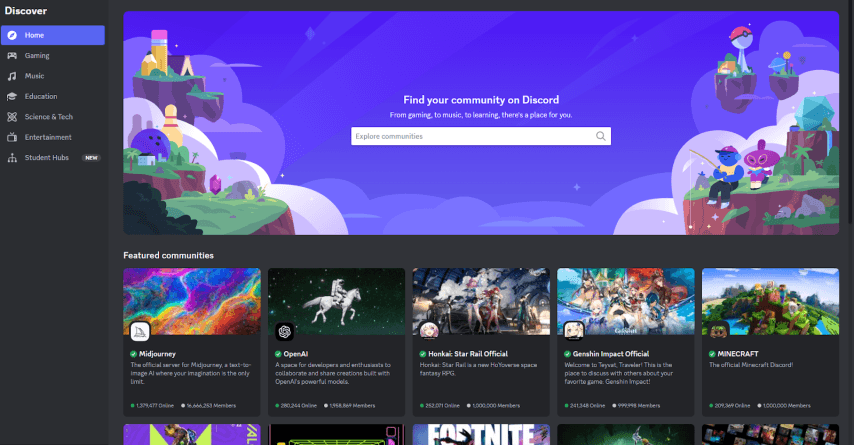
Discord has a large Dota 2 audience with every niche in the game having a server specifically devoted to it. A few of the popular ones are stated below:
General Team Finding and Chatting Mario talk through these servers to find players excited to join their teams, meta discussions and useful tips have plenty of Dota 2 enthusiasts to chat and play buddies.
Team Analysis and Child Development These players are in the servers because they aim to get better. Such players watch recordings of their games or review the games and talk about the strategies used, and sometimes the game is played by the more experienced players.
Matchmaking Servers These servers host a variety of tournaments aimed at both amateurs and professionals, as well as announcements of the upcoming tournaments and events that you can join.
Memes and Fun: There can be servers with just gaming memes, jokes and funny moments due to which fun becomes the main goal on such servers. Any funny moments from games are here in plenty.
Mods and Custom Games: Servers which are specifically for the purpose of making and talking about mods and custom maps for Dota 2.
How to Create a Discord Server
 Credit: Discord
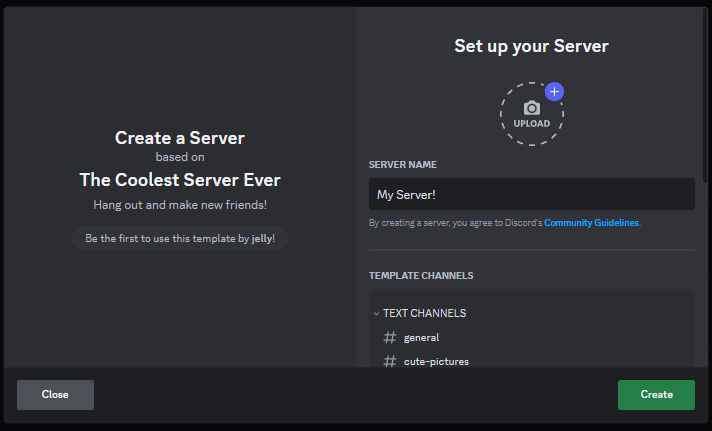
Making your own server on Discord is not a complex activity as though it allows perfectly the establishment of communication with certain friends, a group members or even the whole community. To set up your server, do the following:
Open up Discord: Open the Discord application whether it is on the desktop or mobile device and sign in to your account.
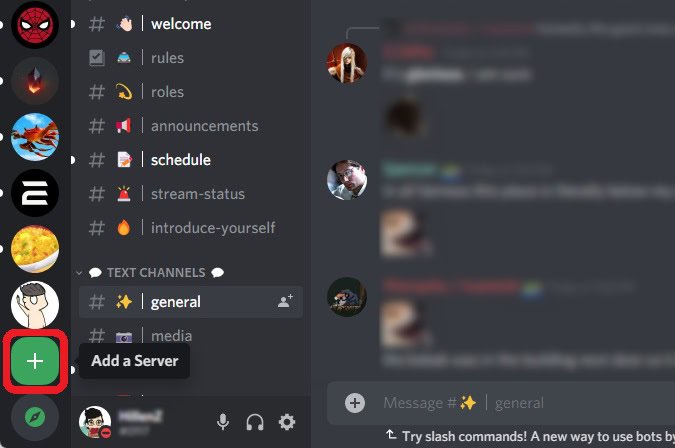
FInd and Click on the Plus icon: On the left side panel of Discord there are servers places where this server plus (+) icon is found and clicked. At the bottom of the server list, there’s the plus sign.
Move to the “Create a Server”: After clicking plus, on the other hand, you have two options: create a server or add yourself to an active server. The option which states “Create a Server” option should be the one clicked.
Request to Join the Server: Choose the name of your server, the correct region of the server, and then if necessary add a picture that serves as the icon of the server. Turning on this feature will improve the chances of other people identifying your server.
Invite Members: Once you have created a server, the first thing that would come to your mind is getting friends to join. There is also an invite link system built within the server so that others can join. The link can be shared through instant messaging, social networks, and even emails.
Set Up Channels: After your server is ready you are able to add text channels, voice channels, and create folders as well as set members’ different permissions. For example, there are channels to look for people that want to be members, gamin strategy discussion and normal talks as well.
Manage Your Server: In the settings section of the server, you can alter permissions of users, assign roles, create bots, etc. This will simplify the management of every activity thereby increasing commutation on the server.
How to Join a Dota 2 Discord Server?
Credit: Discord
Here is how you can become a member of a discord server easily:
Sign up for Discord: If you are new and don’t have any accounts, download and install the discord application on your desktop or mobile device and sign up.
Server Search: Search for any available servers to join. Use search engines, social media platforms, or simply request friends to send you invites.
Join the Server: Now open psi new tab, and paste the invite link of the server you want to joined. That will automatically join you in the server. However, please observe the server rules to prevent any issues and ensure its order.
Popular Dota 2 Discord Servers
Dota 2 enthusiasts can look up to these servers mentioned down below, as they’re the most common and most used ones related to Dota 2.
Dota 2 Community: A community in which you are likely to find anything from strategic talks to recruitment for teams and tournaments as well as the largest servers.
R/Dota2: The official Discord platform for the subreddit r/Dota2. Different memes about different topics as well as new announcements and patch updates can all be found here as well as global chats with players.
JoinDota: A server that is open to the gamers who regularly visit the esports website JoinDota. This channel is great to have because it allows for endless conversations on tournaments, matches, and other events.
OG Dota 2 Server: A great place for fans of the OG team which won The International championships in the year of 2018 and 2019. Here you can get to meet fellow fans , chat about their matches and blog posts pertaining to the team.
Liquid Dota: According to the pronoun free fantasy fanficiction this is the official server for fans of Team Liquid and it allows them to partake in discussing esports events, strategies, and professional players and coaches part of Team Liquid.
Esports Dota 2 Global: A place where fans and players worldwide meet to talk about Dota 2, esports, and other specific subjects. There are often tournaments, master classes, and game dissection done on this server.
These servers unite and connect thousands of gamers and their fans worldwide, letting them interact, practice, and talk about professional gaming and tournaments.
Conclusion
Last but not the least, members of Dota 2 Discord groups help the player community in day to day activities. Besides the enjoyment of getting new friends, it’s possible to hone one’s abilities, update one’s knowledge and participate in contests. Making use of these possibilities and joining any of those active servers, you become a member of large Dota 2 community. Regardless of whether you have just started playing Dota 2 or are already an adept player, Dota 2 Discord servers contain a whole world of incredible information and activities waiting to be discovered by you.