Ropz CS2 Settings: Sensitivity, Viewmodel, and Graphics Parameters
Author: Hawk Live LLC
Last updated:
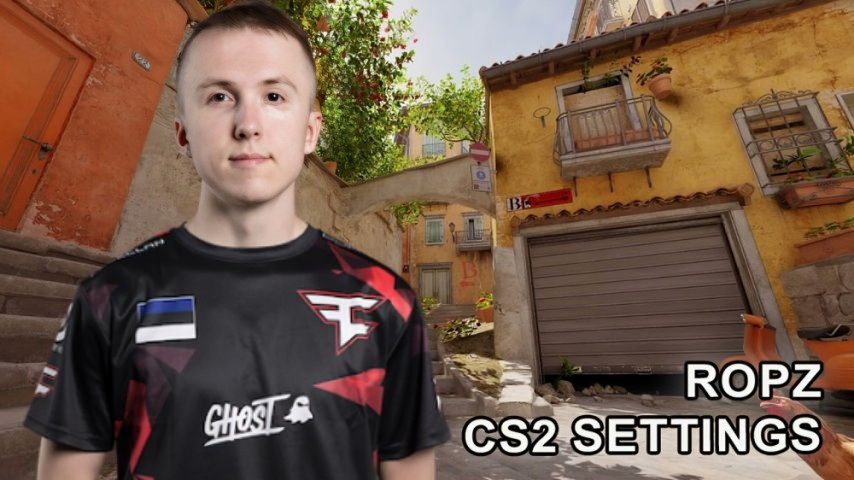
In online multiplayer games such as CS2, each player has his own unique settings which should be adjusted by both players and systems for better convenience and control. This guide looks at the settings of one of the most prominent CS2 players, Robin ‘ropz’ Kool
Who is ropz?
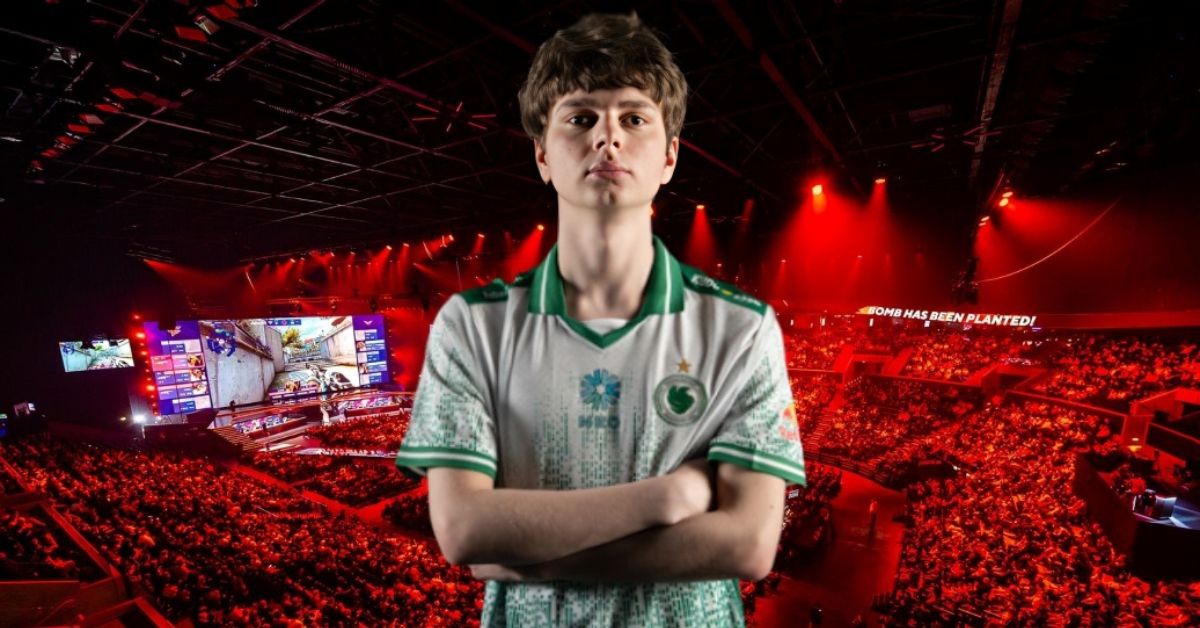
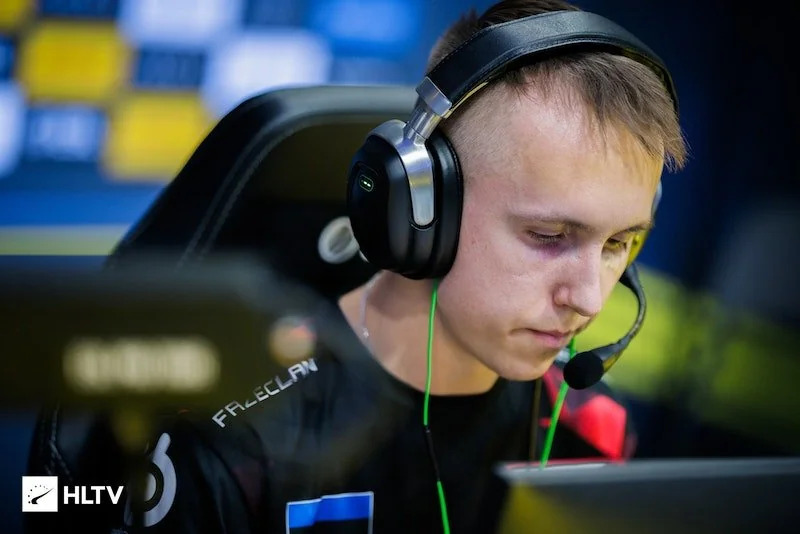
Speaking of riflers, Robin ‘ropz’ Kool has made a transition to FaZe Clan. Ropz was originally known for dominating in shooting games like Call of Duty but later changed to Counter-Strike: Global Offensive where he also did quite well. In 2023 he came in third in the HLTV rating which some might consider as the best achievement in his career.
 Credit: Reddit
CS2 pro settigns ropz: What settings does player use?
ropz’s cfg was made for optimal professional gaming performance while having good ergonomics. A more in-depth summary is provided below.
ropz’s CS2 Sensitivity and other mouse settings
Setting | Value |
|---|---|
Mouse | Razer DeathAdder V3 HyperSpeed |
DPI | 400 |
Sensitivity | 1.77 |
eDPI | 708 |
Zoom Sensitivity | 1 |
Polling Rate | 8000 Hz |
Windows Sensitivity | 6 |
This configuration allows to smoothly aim switch which is one of the key elements in making a good shot. A ropz’s mouse shows low lag and allows for soft touches as one of the angles of the trajectory is changed slightly.
Crosshair
Parameter | Value |
|---|---|
Style | Classic Static |
Length | 2 |
Thickness | 0.5 |
Gap | -3 |
Outline | None |
Color | Green (RGB: 50, 250, 154) |
Transparency | 255 |
Crosshair Code: CSGO-MMQuh-Hs3Sj-Qv9zd-VaCmc-3QqNO

Credit: CS2
ropz uses plain crosshair style without any dot assisting in controlling spray better. It is green which stands out clearly on all maps and has no outlines for a neat look.
Viewmodel
Parameter | Value |
|---|---|
FOV | 68 |
Offset X | 2.5 |
Offset Y | 0 |
Offset Z | -1.5 |
Presetpos | 2 |
Console Commands:
viewmodel_fov 68; viewmodel_offset_x 2.5; viewmodel_offset_y 0; viewmodel_offset_z -1.5; viewmodel_presetpos 2
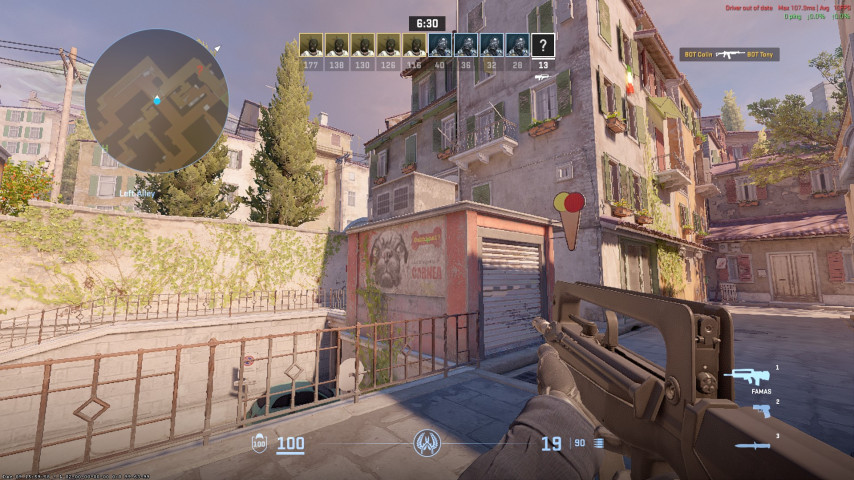 Credit: CS2
These settings allow to have better efficiency in aiming the weapon as they provide a larger scope.
Video Settings
Parameter | Value |
|---|---|
Resolution | 1920x1080 |
Aspect Ratio | 16:9 |
Display Mode | Fullscreen |
Brightness | 100% |
Additional Settings:
Parameter | Value |
|---|---|
Boost Player Contrast | Enabled |
NVIDIA Reflex Low Latency | Enabled |
Multisampling Anti-Aliasing Mode | 2x MSAA |
Global Shadow Quality | High |
Model/Texture Detail | Low |
Texture Filtering | Bilinear |
Ambient Occlusion | Medium |
HDR | Quality |
This combination of setting low and high adds some good graphics while maintaining good performance. Such graphic settings allow to have high FPS in reasonably low powered systems.
What PC Setup Supports ropz’s CS2 Settings?
For their settings to work, you need a gaming rig that has plenty of raw power, the ideal configuration would be able to constantly pull at least 300 FPS. This is necessary for competitive standards.
Component | Recommended Specifications |
|---|---|
Processor | Intel Core i7-13700K / AMD Ryzen 7 7700X |
Graphics Card | NVIDIA GeForce RTX 3080 / AMD RX 6800 XT |
RAM | 16–32 GB DDR4 |
Storage | 1 TB SSD |
Monitor | 240 Hz Full HD |
Although these configurations will be quite effective on lower spec systems, it is reasonable to expect a reduction in the frame rates as the level of performance of the hardware decreases.
Conclusion
Ropz settings for his gameplay have plenty of reason behind them, they have been developed and adjusted through plenty of trial and error. They are also good enough for competitive use while being extremely comfortable for a new player who wishes to go all out. But just using the pro settings will not get you anywhere in CS2, you have to learn how the professionals play.
From his optimized mouse sensitivity to his crisp crosshair and high-FPS video settings, every detail is fine-tuned for consistency. To explore how other elite players like DONK, s1mple, and ZywOo adjust their settings for pro-level gameplay, check out our guide on CS2 professional configurations.