How to remove blood in CS2: step-by-step instructions
Author: Hawk Live LLC
Last updated:
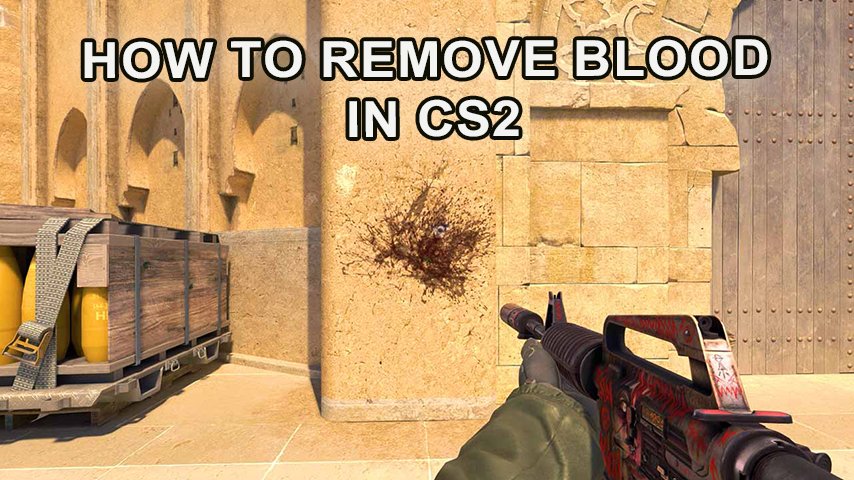
One of the most popular features in the CS game series has been getting rid of blood and bullet marks. It is usually done not for humanitarian considerations, but because it allows you to reduce game requirements on weak computers and increase its performance. Counter Strike 2 also has this feature, and it is activated quite simply.
How to remove blood in CS 2
To do this, just use an elementary algorithm.
Press the so-called tilde button(~), the leftmost and top key on the keyboard - this will launch the control console.
Type sv_cheats and press enter: this will activate the cheats.
After cheats are activated type cl_removedecals, press Enter to remove traces of blood.
If you are playing on a server, this effect will be visible only to you, your teammates will play with their own settings.

How to bind in CS 2
In order not to constantly enter this combination before each game, you can bind it to one key on your computer, the so-called bind. It is done quite simply.
Press tilde and display the control console.
Enter the text: bind “button you need” “cl_removedecals”, which eventually binds the execution of the command to it.
At the same time, you can designate several such “hot keys” by successively entering in the console cheats with their designation. To automate the process, so that you do not have to think about entering this bind constantly, it is recommended to bind to the four WASD keys, then the command will run automatically with the start of the game.
An easy way to get rid of blood in CS 2
In Counter-Strike 2, there is another easier way to get rid of blood and bullets until you enter the reverse command. For this:
Display the console.
Enter r_csgo_render_decals 0.
You can return the settings by replacing 0 with 1, that is, with the command r_csgo_render_decals 0.