How to Install and Uninstall Deadlock: The Game Everyone’s Talking About
Author: Hawk Live LLC
Last updated:
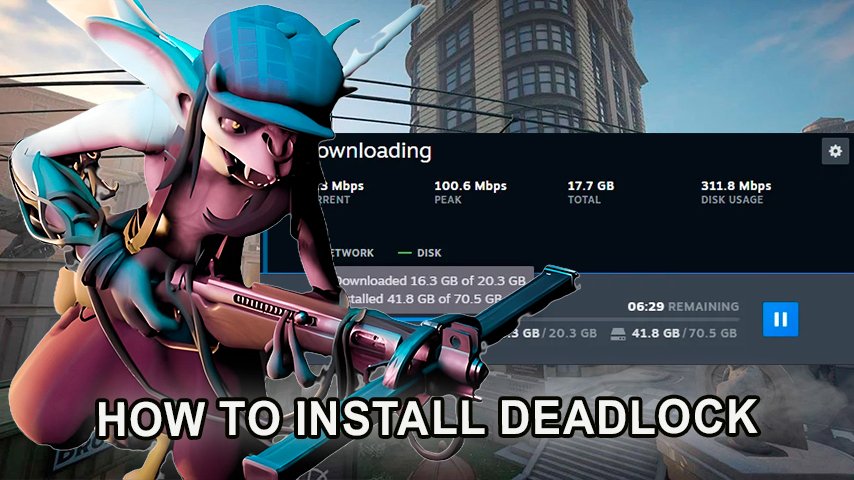
Deadlock is a new game that has been recently launched by Valve and is making news all around the world. According to the combination of elements from the game, it is quite similar to a third-person shooter but also has some elements of a MOBA. It has brought both the action lovers and strategists together. While the game is still in beta testing, many players are looking forward to know about the process of installation of this Gam, getting the invite as well as uninstallation of the game. This article contains information on these two processes in detail.
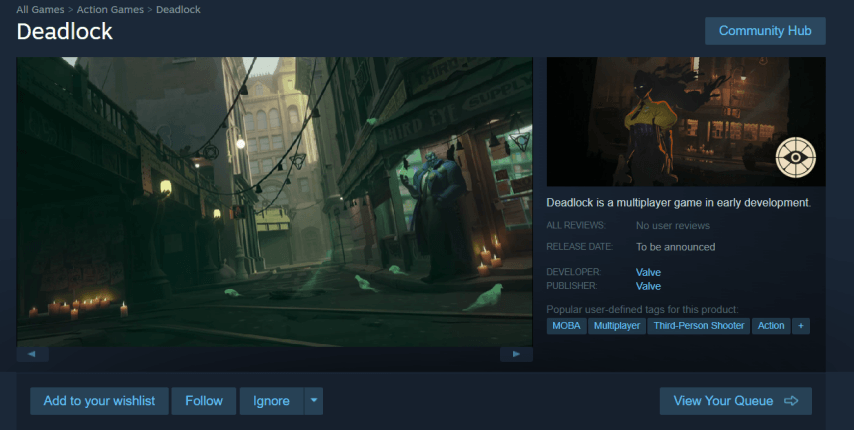 Credit: Valve Coraporation
How to Install Deadlock
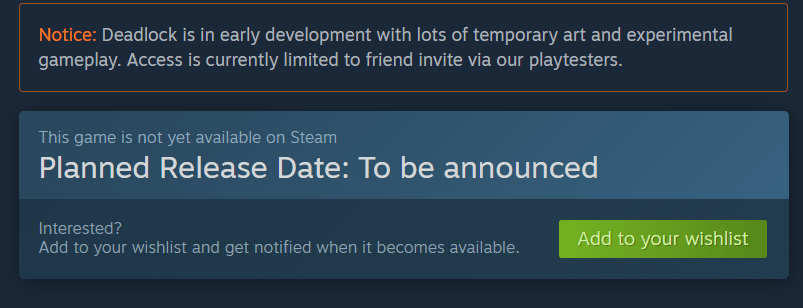 Credit: Valve Coraporation
The Deadlock game appears to be in closed beta phase meaning that the game is invite-only and hence it is not available on direct download on steam. Here is what you need to do to get an access to this exclusive beta game:
Receive an Invite from Valve
Valve has been intermittently inviting selected random steam accounts to participate in the beta testing phase of Deadlock. Increasing the activity on steam gives you a higher probability of being chosen for an invite.
Get an Invite from a Friend
Anyone who has already participated in beta testing of Deadlock through Steam can send an invite to any of their friends. To receive this invitation:
Tell them to ask for the invite through the gaming platform themselves. After accepting the invite, Deadlock will please the screen in your Steam library ready for download.
Reddit or Discord? Find Invites There Or, the other option is using Xbox live.
According to my experience, gamers tend to swap invites through social sites such as facebook and discord. Try searching for groups that are playing Deadlock, and some members might have free invites.
Downloading and Installing Deadlock
Upon accepting the invite, the game will now reflect on your steam library. To download Deadlock, proceed as follows: Launch steam and head out to your library.
From the list of my games, look for Deadlock.
Click on “Install”, and the download will kick off. Reassure that you have enough disk space and that you pass the system requirements necessary (check the system specifications or requirements listed below) before proceeding.
Deadlock System Requirements
There are some requirements specified before the game SilentTear is expected to play smoothly in the system. Make sure your system meets one of them before diving into.
Requirement | Minimum | Recommended |
|---|---|---|
Operating System | Windows 10 (64-bit) | Windows 10 (64-bit) |
Processor | Intel Core i3-6100 / AMD FX-8350 | Intel Core i5-9600K / AMD Ryzen 5 3600 |
RAM | 4 GB RAM | 8 GB RAM |
Graphics Card | NVIDIA GTX 760 / AMD Radeon HD 7950 (2 GB) | NVIDIA GTX 970 / AMD RX 570 or higher |
Storage | 15 GB of available space | 20 GB of available space |
DirectX | Version 11 | Version 12 |
Internet Connection | Required for multiplayer | High-speed connection for multiplayer |
As For The Minimum Part But So For Bigger Space Efficiency It Is Preferred To Have SSD If One Wants Better Loading Speed And Smooth Experience.
How to Uninstall Deadlock
So When One Comes Across The Point Of Trying And Testing Deadlock Game Whenever The Either Party Decides Finally To Either Not Want To Remove Or Simply One To Uninstall The Game Can Be Clearer And Even Quite Neater. Go Through To The Steps Below
1.Steam unavailability
launch steam and go to your game library.
In The Box Appearing On The Left Scroll Down The List
Locate Deadlock On The List.
Click On “Interact” And Then Click Uninstall.
Head Back To Steam To Remove The Game In Which Opening Will Be Enabled.
Settings on windows Unavailability
Launch Windows Settings Menu
Locate Your Apps Section.
After The Application GetsMinimized Scroll Down To Locate Deadlock Game From The List Of Installed Applications.
Press it and then opt for "Uninstall."
You may now go ahead and make goodbye to the game as it will be uninstalled from your computer.
Deadlock would not occupy any space after you have uninstalled the game, however, if you would want to expand space in the Steam ecosystem, you would not be able to since your game stored data will still be there.
Conclusion
As of this moment there is a clear sense of hype revolving around Deadlock, keep in mind that this game is still in beta. The first step you need to take is finding an invite if you want to test the game. The chances of you getting this from Valve are high, or a fellow gamer can also lend you an invite – it is quite an easy process. To put it bluntly, closing the programs is the same as removing it altogether. So look out for future notices as the game improves and prepare yourself to jump into battle as Deadlock gets closer to its full launch with every passing day.




![No[o]ne names the team that will underperform in the new season](https://hawk.live/storage/images/posts/noone-revealed-how-he-baited-opponents-before-the-tournament-24933.jpg)