Discover Where Your Best CS2 Match Replays Are Stored
Author: Hawk Live LLC
Last updated:
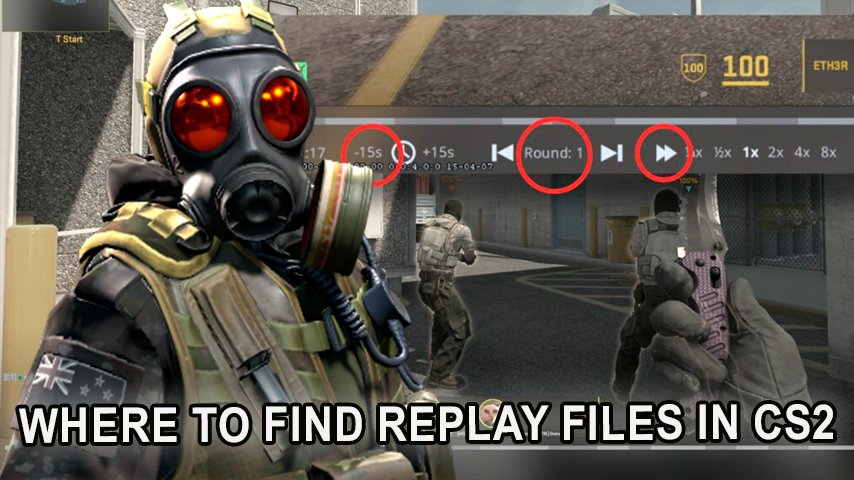
It’s undeniable that Counter-Strike 2 (CS2) is gaining popularity at an unprecedented rate in gamers’ world views. Many esports professionals and fans alike wish to capture their best in-game moments with CS2’s new mechanics and graphics but where does one store such important replay files? In this guide, we shall outline options on how to look for and use replay files in CS2.
What Are Replay Files in CS2?
 Credit: Valve Corporation
As many players would refer to them, demo files are essentially a video replay of players’ matches and enable players to review their games for better planning or simply having their dazzling moments shared with others. These files are a must-have for any aspiring professional or a recreational gamer looking to sharpen their skills.
Why Is It Important to Know the Location of Replay Files?
Game Improvement: Your analysis can help identify your weaknesses and help you rectify your mistakes, thus improving your approach going forward.
Content Creation: Videos, tutorials, and commentary are just some of the ways replay files can be utilized.
Dissemination: Friends or coaches can receive the replay files for collective examination.
How to Find Replay Files in CS2 on Windows
Open Windows Explorer: Press the Win + E keys.
Navigate to the Game Folder: By default, CS2 is installed at the following path:
C:\Program Files (x86)\Steam\steamapps\common\Counter-Strike Global Offensive\csgo
Note that despite the upgrade to CS2, some folders may retain their previous names.
Find the Replay Folder: In the csgo folder, look for files with the .dem extension. These are your replay files.
How to Find Replay Files in CS2 on macOS
Open Finder: The smiley face icon in the Dock.
Navigate to the Game Folder: Press Cmd + Shift + G and enter the path:
~/Library/Application Support/Steam/steamapps/common/Counter-Strike Global Offensive/csgo
Find the Replay Files: Look for files with the .dem extension in the csgo folder.
How to Find Replay Files in CS2 on Linux
Open Your File Manager: For example, Nautilus or Dolphin.
Navigate to the Game Folder: It's usually located at:
~/.steam/steam/steamapps/common/Counter-Strike Global Offensive/csgo
Find the Replay Files: In the csgo folder, look for .dem files.
How to Play a Replay File in CS2
Credit: Valve Corporation
Launch CS2.
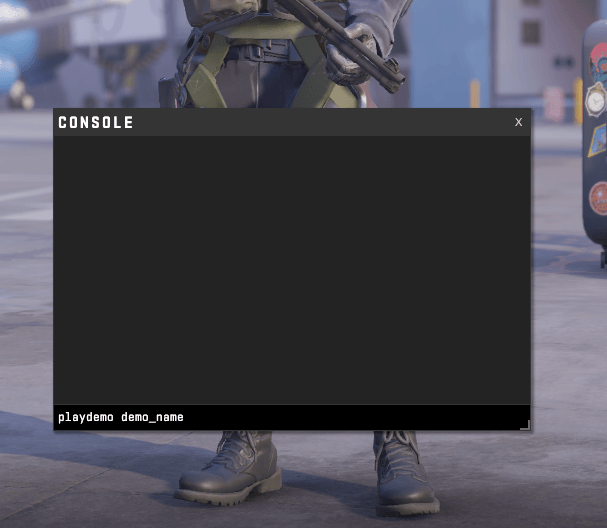
Open the Developer Console: Press the ~ (tilde) key. If the console isn't active, enable it in the game settings.
Enter the Play Command:
playdemo your_file_name.dem
For example:
playdemo my_best_match.dem
Conclusion
There are many possibilities to improve the way you play CS2 through the replay files that you can find which is useful for new comers and also professionals.


![No[o]ne names the team that will underperform in the new season](https://hawk.live/storage/images/posts/noone-revealed-how-he-baited-opponents-before-the-tournament-24933.jpg)



![No[o]ne Speaks Out After BLAST Slam VIII](https://hawk.live/storage/images/posts/noone-named-idol-dota-2-pro-scene-23820.jpg)