How to Use Any Weapon Skins from the CS2 Workshop
Author: Hawk Live LLC
Last updated:
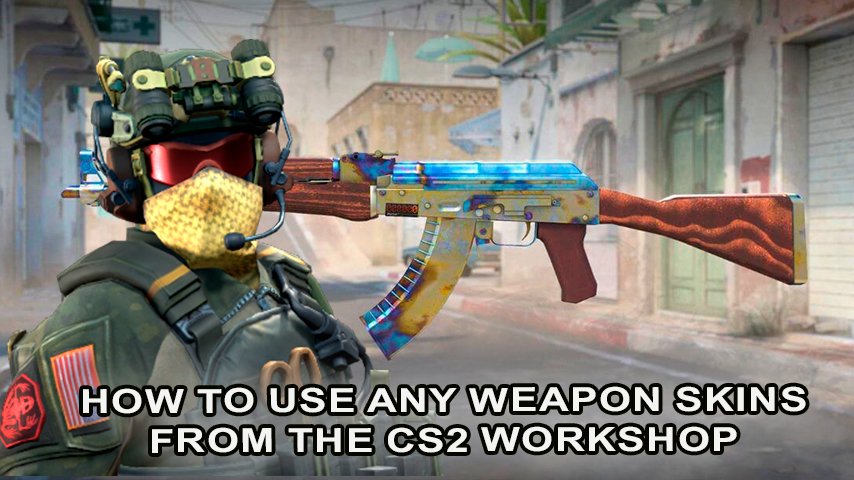
Just like its predecessors, Counter-Strike 2 (CS2) allows users to make the game their own by getting their hands on cool weapon skins which can be found on the Steam Workshop. This article will help you with information on how to get weapon skins, how to apply them, and where to get them from.
How to View Weapons from the CS2 Workshop?
Accessing the Steam Workshop: If you are a first-time user, or if you’re having trouble accessing the CS2 Workshop webpage using the game’s page or the Steam search bar, simply log in to the Steam client and search for the CS2 Workshop section.
Look for the “Weapon Skins” Tab: The workshop has a variety of content that you can choose from. However, if you wish to look for skins that are available to download, look for the bone which has a weapon skin attached to it.
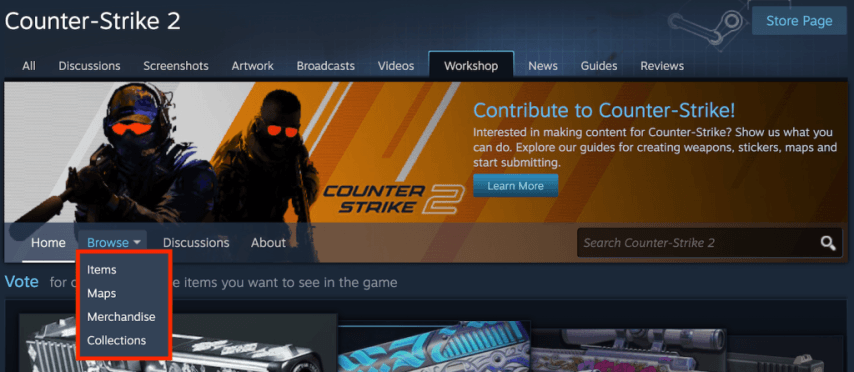 Credit: Valve Corporation
Explore Available Skins: Browse through the list of skins using filters like popularity, date added, or community rating.
How to Install Skins from the CS2 Workshop?
 Credit: Valve Corporation
Find a Skin: On want to subscribe to a skin, click the ‘Subscribe’ button that appears right next to the skin. After collection some skin, this one will automatically be added to your list.
Check the Download: The entire deposit was downloaded. The download partition on Steam allows us to review this.
Open CS2 So the Game is Able to Recognize the Skins: All users can access and edit fun skins available in CS2.
How to Use Workshop Weapons in the Game?
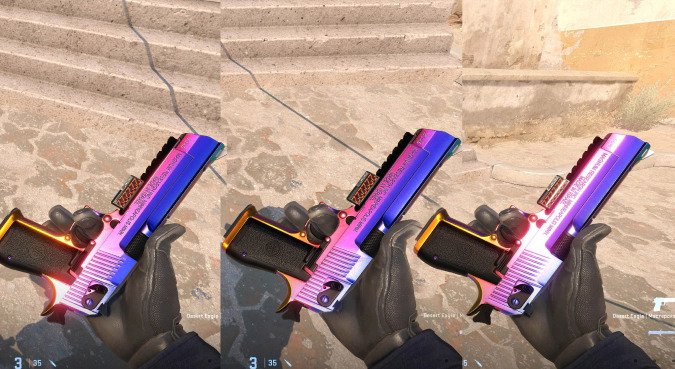
Credit: Valve Corporation
Make Server: With the completion of the Local games, community skins can then be put to use on community serve or local hosted games. Use the ‘Practice with Bots’ feature or create a server with custom skins.
Find Your Skin: In the weapon customization menu, you will pick out Workshop skins under each weapon type if it’s the case.
Put On The Skin: After placing your chosen skin, it will reflect on the weapon chosen when in the game.
Important Points
Official Servers. To make use of skins heads on to CS2 official servers as skinnning skins may interfere with the uniformity of the game.
Community Servers: A few community serve may permit skins, Always look out for the server’s guiding principles first.
Security: Only download the skins from Google Steam so that you only get allowed content.
Conclusion
CS2 has completely transformed the means through which you are playing the game, and focusing on weaknesses in the game is highly recommended. Depending on your desire and skill, different gameplay will be sanctioned across community hosting and local hosting servers. Following the goals set out in this piece will ensure That the CS2 Workshop will satisfy your hunger.