How to Enable Bullet Tracers in CS2 Using Console Commands
Author: Hawk Live LLC
Last updated:
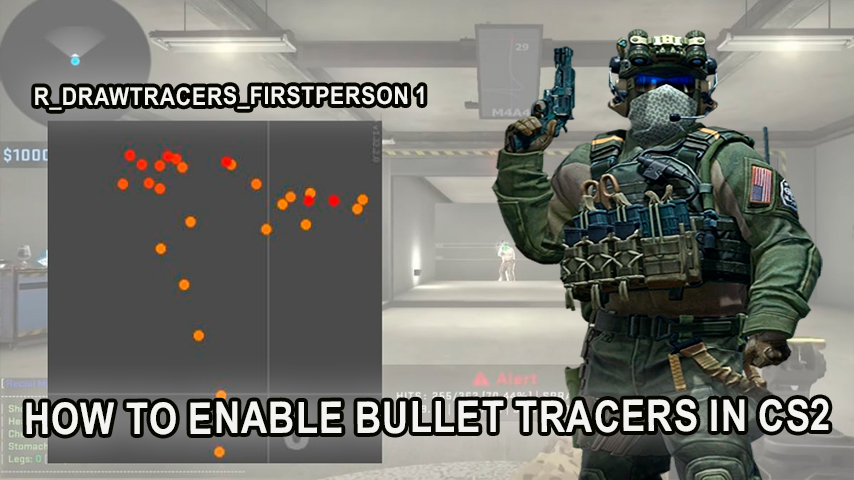
The esports community has greatly valued the ease and usefulness of bullet tracers in variety of shooters. With the addition of CS2, this tool provides not only a better perspective into the shooting mechanics but also a great boost in individual training. Here are some of the main ways to turn on bullet tracers with console commands and a brief about how it all works.
What Are Bullet Tracers and Why Are They Useful?
Credit: Valve Corporation
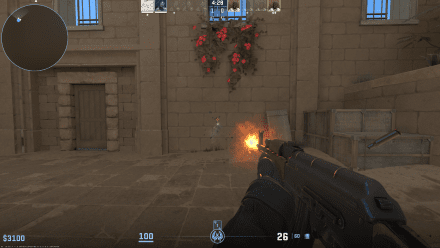
In CS2, bullet tracers are special as they assist in:
Improving Accuracy: Players can look at how the trajectories of bullets change according to the recoil of the weapon and movement of the player.
Analyzing Mistakes: Bullet flight path tracers help in understanding how to better zero in on a target.
Helping Newcomers: These bullet paths serve as a useful visual reference for first timers.
How to Enable the Developer Console in CS2
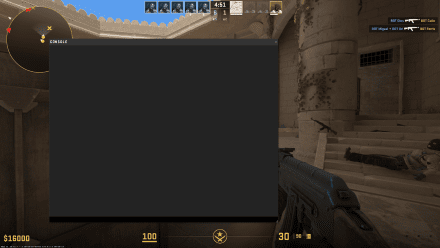
To access the console commands in Counter-Strike 2, first you will need to enable the developer console. To do this, follow these steps:
Go to Settings.
Open the Game tab or the Interface tab.
Locate the Enable Developer Console toggle and set it to On.
Save and exit the settings.
To open the console, you simply need to press the ` key on the keyboard.
Credit: Valve Corporation
Bullet Tracers Console Key Commands
There are many commands for seeing bullet trajectories while playing a game. All of these may not work on official servers since there might be restrictions, and some will only work if sv_cheats is enabled.
Enable Cheats on the Server
sv_cheats 1
This command is necessary for many other functions, including bullet tracers. It will not work on a remote server unless you have admin rights.
Main Command for Bullet Tracers
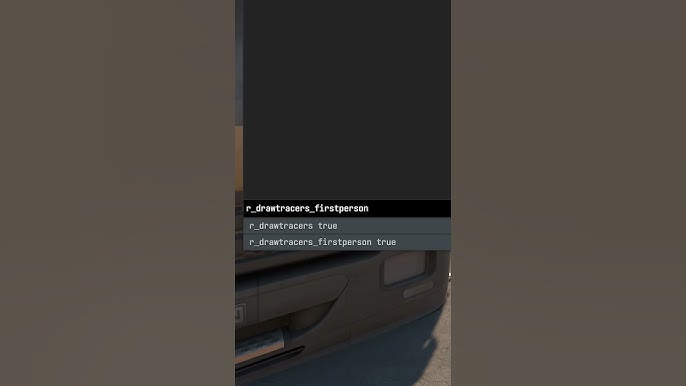
r_drawtracers_firstperson 1
 Credit: Valve Corporation
Use this command to enable bullet tracer visualization while in first-person view. If this command is set to 0, the tracers will not be visible.
Displaying Impact Points
sv_showimpacts 1
sv_showimpacts_time 10
These commands show the points where bullets hit walls and objects or enemies. The bullets hitting points are visible for the period of time that you set. To find out if the bullet penetrated the obstacle, use sv_showimpacts_penetration 1.
Additional Settings
r_drawtracers 1 – Enables tracer visualization.
r_drawtracers_firstperson 0 – Disables first-person tracer views, but still may enable them in other modes like spectator or team views.
What May Go Wrong And How To Address Them
Commands don’t function in official servers Some of the functionalities are absent from the official competitive servers to ensure that nothing is abused. Tracers should be made use of during practice sessions or on non official servers.
Lack of Admin Rights No sv_cheats 1 console commands will function when you are unable to access admin features on a particular server. In this case, you could either remain in default settings or locate a server where cheats are enabled.
Technical Limitations Getting visual effects (tracers included) on lower tier hardware may spike your FPS. When this occurs, consider adjusting the graphics and turning off visual effects that are not needed.
In Summation
Bullet tracers in CS2 give players more tools to refine their comprehension skills when it comes to the weapon’s ballistics and shooting precision. While they are useful within their context, each server does have its specific regulations banning some console commands. Most players will consider it to be sufficient to have them enabled during training or on a local server to hone their skills before competing officially. This will definitely improve the quality of gameplay for the individual and ease the transition into Counter-Strike 2.