Best CS2 gaming gear: tips for choosing gaming devices
Author: Hawk Live LLC
Last updated:
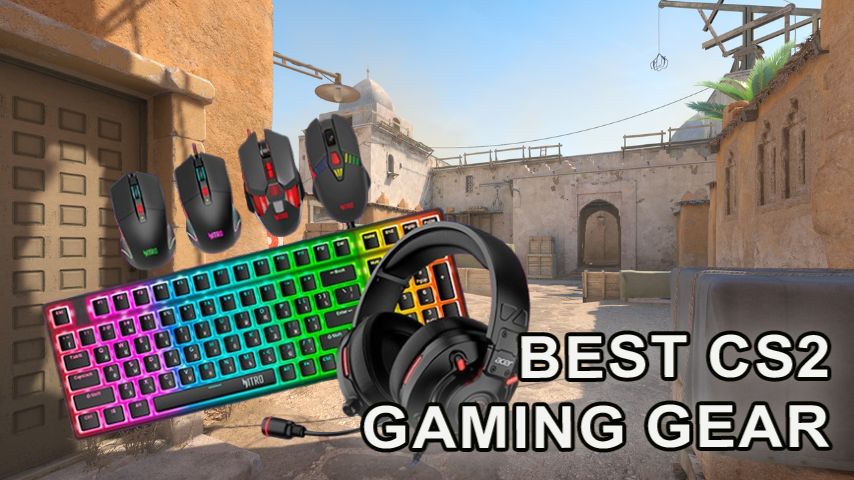
The requirements for successful gaming in Counter Strike 2 put a lot of emphasis on having quality peripherals. This is even more profound for the professional and higher rank amateur cyber athletes where the competition is quite stiff and the input devices provide the opponent a significant edge. Nevertheless, it is also important for beginners to choose quality peripherals in order to develop faster and get more pleasure from the gameplay. In this article, let's take a look at peripherals for CS2 gaming in different price categories, and analyze what features a buyer will get for the price.
Budget gaming peripherals for CS2
Buyers with a limited amount of money can count only on the basic functionality, but if you give preference to trusted brands, you can pick up a reliable and comfortable device. Mice in this segment are usually equipped with a sensor up to 8000 DPI, which is enough for most gaming situations, but not for professional gaming.
Keyboards in this price segment are most often membrane keyboards, but there are also models with inexpensive mechanics. Headsets provide basic sound quality for voice chat. When choosing, it is important to consider the convenience of the design, so that the device does not cause discomfort during prolonged gameplay.
An example of budget gaming peripherals for CS2:
Device | Model 1 | Price | Model 2 | Price |
|---|---|---|---|---|
Mouse | Razer DeathAdder Essential | $28 | Logitech G203 | $23 |
Keyboard | Redragon K552 | $30 | Aula F2088 | $49 |
Headset | HyperX Cloud Stinger | $35 | Razer BlackShark V2 X | $35 |
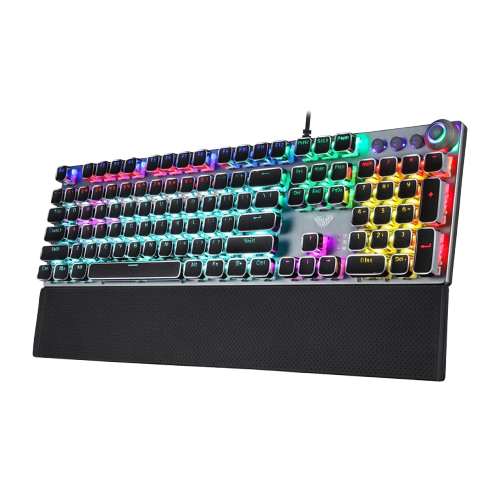
Credit: Aula
Cost of budget gaming devices
When choosing inexpensive models, a full set will cost from $100. Average prices:
Razer DeathAdder Essential — $28
Logitech G203 — $23
Redragon K552 — $30
Aula F2088 — $49
HyperX Cloud Stinger — $35
Razer BlackShark V2 X — $35
Gaming peripherals for CS2 mid-price segment
In addition to improved ergonomic features, Midrange gaming peripherals of the mid price category have additional benefits that come in quite handy while playing. Mice in this segment have sensors up to 16000 DPI, and are also equipped with additional buttons with the possibility of customization.
Mechanical keyboards of the mid price segment are not only conveniently designed and durable, they are also responsive to keystrokes and tactile feedback. In addition, the headsets offer the user high quality sound.
An example of gaming peripherals for CS2 mid-price segment:
Device | Model 1 | Price | Model 2 | Price |
|---|---|---|---|---|
Mouse | Logitech G502 Hero | $49 | SteelSeries Rival 5 | $60 |
Keyboard | HyperX Alloy Origins | $76 | Corsair K70 RGB TKL | $79 |
Headset | Logitech G Pro X | $130 | HyperX Cloud Alpha | $100 |
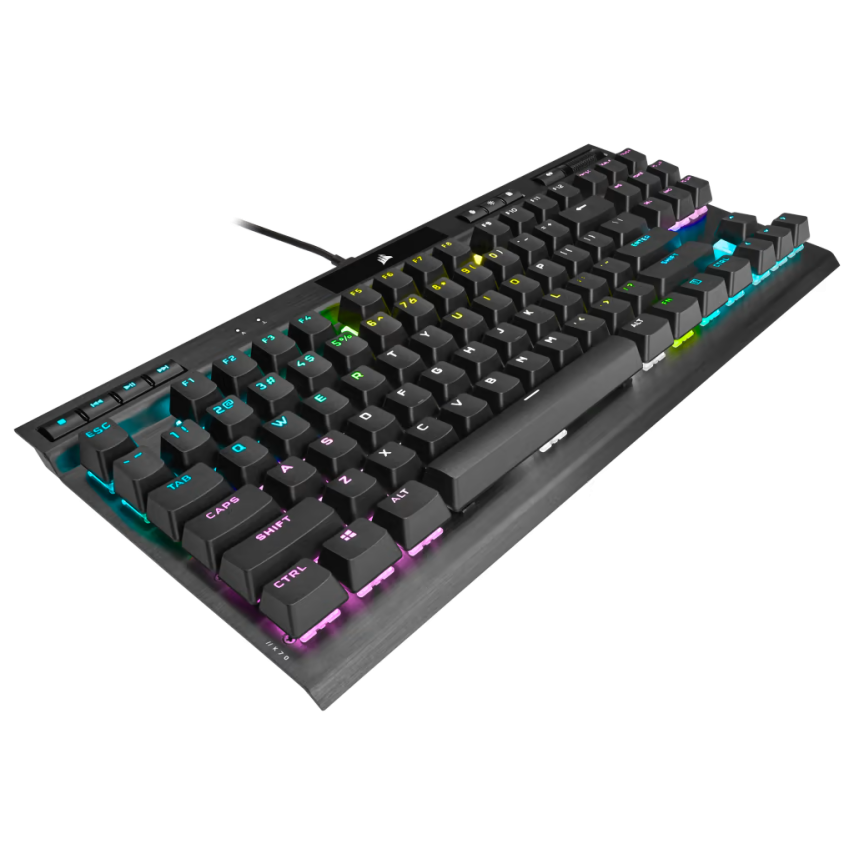 Credit: Corsair
Cost of mid-range gaming devices
A complete set will cost from $260. Average prices:
Logitech G502 Hero — $49
SteelSeries Rival 5 — $60
HyperX Alloy Origins — $76
Corsair K70 RGB TKL — $79
Logitech G Pro X — $130
HyperX Cloud Alpha — $100
Top Gaming Gear for CS2
Such devices get the best materials that ensure the best reception of a players’ actions. Not only that, but these devices are easy to repair and have long life service. A mouse with sensors above 26000 DPI responds to players actions and smoothing aiming towards the game.
Keyboards within this segment incorporate first class mechanical switches for quick response. While, headsets are made and equipped with surround sound and a professional microphone for voice transmission.
An example of the top gaming peripherals for CS2:
Device | Model 1 | Price | Model 2 | Price |
|---|---|---|---|---|
Mouse | Razer Viper V2 Pro | $100 | Logitech G Pro X Superlight | $141 |
Keyboard | Wooting 60HE | $255 | SteelSeries Apex Pro TKL | $220 |
Headset | Audeze Maxwell | $250 | Sennheiser GSP 670 | $250 |
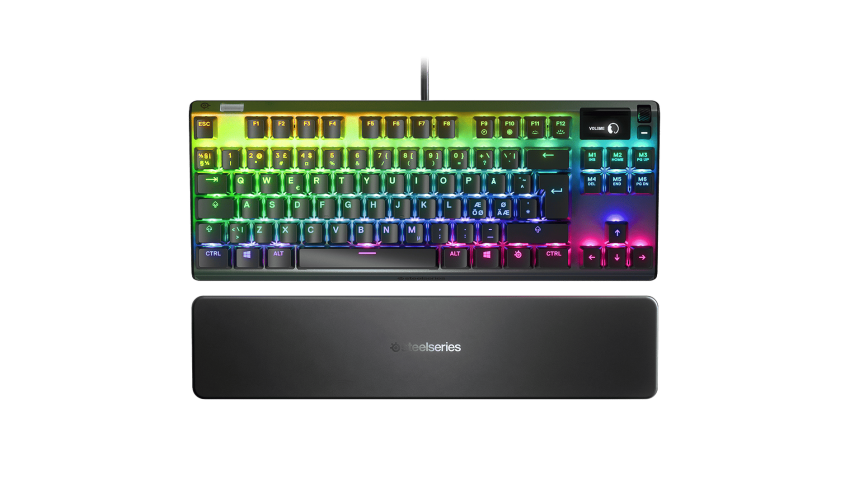 Credit: SteelSeries
Top Gaming Gear Price
A full set will cost from $600, but will maximize comfort and performance. Average prices:
Razer Viper V2 Pro — $100
Logitech G Pro X Superlight — $141
Wooting 60HE — $255
SteelSeries Apex Pro TKL — $220
Audeze Maxwell — $250
Sennheiser Consumer Audio Momentum 4 — $250
Where to buy?
When selecting the gaming peripherals, models is one thing and a good choice with a seller is a different aspect to consider. Usually budget devices should be available in normal stores, but the best models should come from well-known vendors so you do not purchase a fake. With that in mind, here are some of those international deliveries gaming equipment stores who are reputed:
Model | Price (USD) | Where to buy? |
|---|---|---|
Budget gaming peripherals | ||
Mouse Razer DeathAdder Essential | 28 | |
Mouse Logitech G203 | 23 | |
Keyboard Redragon K552 | 30 | |
Keyboard Aula F2088 | 49 | |
Headset HyperX Cloud Stinger | 35 | |
Headset Razer BlackShark V2 X | 35 | |
Mid-price gear | ||
Mouse Logitech G502 Hero | 49 | |
Mouse SteelSeries Rival 5 | 60 | |
Keyboard HyperX Alloy Origins | 76 | |
Keyboard Corsair K70 RGB TKL | 79 | |
Headset Logitech G Pro X | 130 | |
Headset HyperX Cloud Alpha | 100 | |
TOP gaming gear for CS2 | ||
Mouse Razer Viper V2 Pro | 100 | |
Mouse Logitech G Pro X Superlight | 141 | |
Keyboard Wooting 60HE | 255 | |
Keyboard SteelSeries Apex Pro TKL | 220 | |
Headset Audeze Maxwell | 250 | |
Headset Sennheiser Consumer Audio Momentum 4 | 250 | |
Conclusion
Balance is key in choosing gaming peripherals where one must consider their preference and style of play. While comforting, professional tools are very much necessary. But cheap devices could also provide functions you need for start playing CS2.
If you’re curious about what peripherals the top esports players use, our CS2 pro gear review breaks down their setups and costs. Additionally, one of the most debated choices is whether to go for a wired or wireless mouse—our detailed analysis will help you make the right decision based on your needs and budget.



![No[o]ne Spoke About the Loss in the Grand Final of The International 2026](https://hawk.live/storage/images/posts/noone-spoke-parivisions-issues-24356.jpg)