Network Search Issues in Dota 2: How to Solve and Prevent Future Problems
Author: Hawk Live LLC
Last updated:

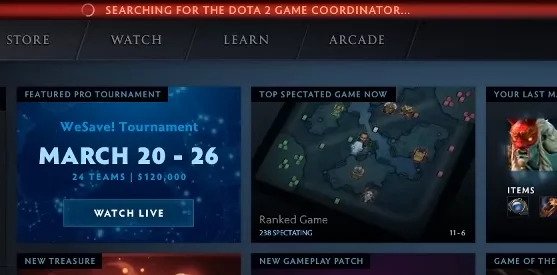
Dota 2 is, without a doubt, among the best eSports these days with millions of players worldwide. However, it has not been immune to issues that are common for online games. One of the most reported ones is Dota 2 game coordinator not working issue. This paper explores the causes behind this problem and provides effective suggestions for fixing it.
Credit: appuals
Main Causes of the Dota 2 searching for game coordinator
The dota 2 game coordinator searching problem might be caused by several reasons as follows:
Lack of internet connection;
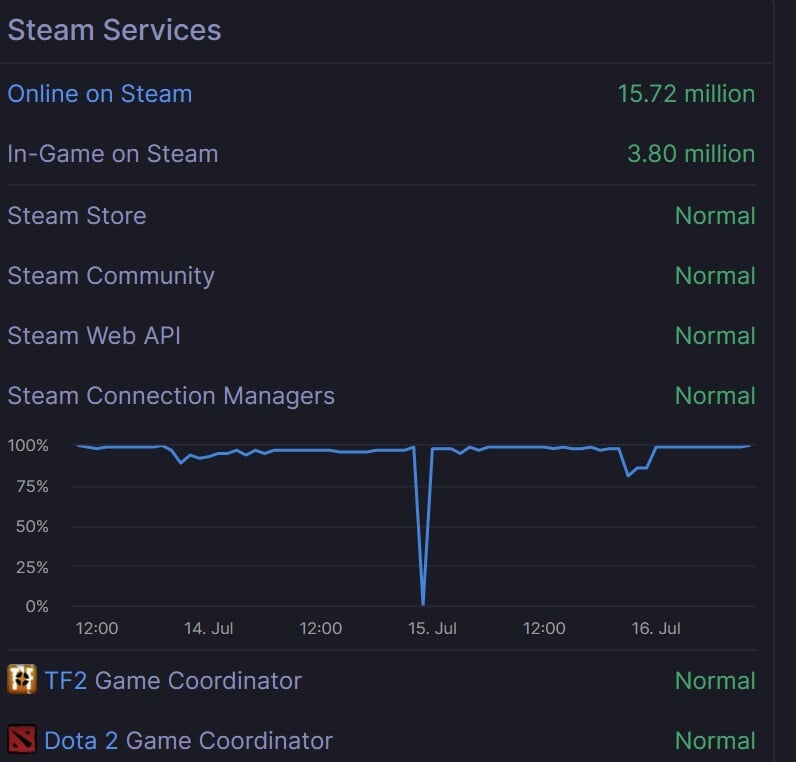
Technical glitches on Steam servers;
Computer freezing;
Need for game client updates;
Corruption of game files.
Credit: cyber.sports.ru
How to solve Dota 2 searching for game coordinator
Looking for a Dota 2 Game coordinator can cause you many problems; and spoil all your fun from mode play. It is important that such issues are often due to general network problems, client updates or unexpected server downtimes. Some possible solutions include:
Check your internet connection. This is the first thing you should do when facing any connection problems. Restarting your router or modem may help restore the connection.
Check the status of Steam servers. Sometimes, the issue may be related to maintenance or outages on Steam servers. You can check the server status on the official site or through specific services.
Restart the Steam client. If the connection is fine and the servers are operational, the next step should be to restart the Steam client via Task Manager.
Verify the integrity of game files. If the problem persists, the game files might be corrupted. Steam offers a tool to verify the integrity of game files, which can fix this issue.
Preventing Problems
To minimize the risk of encountering the searching for the Dota 2 game coordinator issue in the future, it is recommended to:
Regularly update the game client and Steam;
Maintain a stable internet connection;
Avoid running multiple applications simultaneously that could significantly consume system resources.
Conclusion
 Credit: Stack Exchange Inc
Though looking for Dota 2 Game Coordinator creates a lot of mess, being aware of main triggers and ways out will allow you to rapidly return to your beloved pastime. This should help any player evade such inconveniences in the future and have an interruption-free Dota 2 gameplay.