m0NESY CS2 settings: Crosshair code, Sensitivity and Video configs
Author: Hawk Live LLC
Last updated:
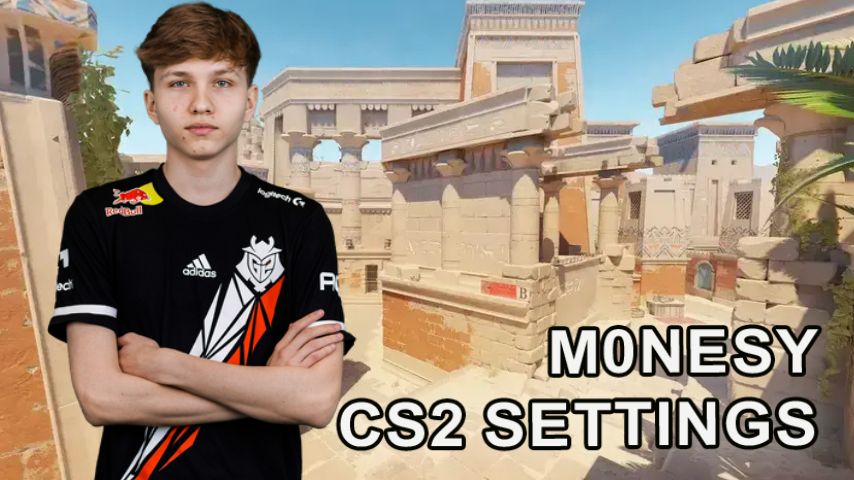
Winning in Counter-Strike 2 depends not only on the skill of the player, but also on a number of other factors that provide a competitive advantage. Settings in CS2 directly affect the success in matches, because not only the performance of the system, but also the comfort of the player depends on them. In this article, we will take a closer look at the settings of m0NESY in CS2 - one of the most promising cybersports players in Eastern Europe.
Who is m0NESY?
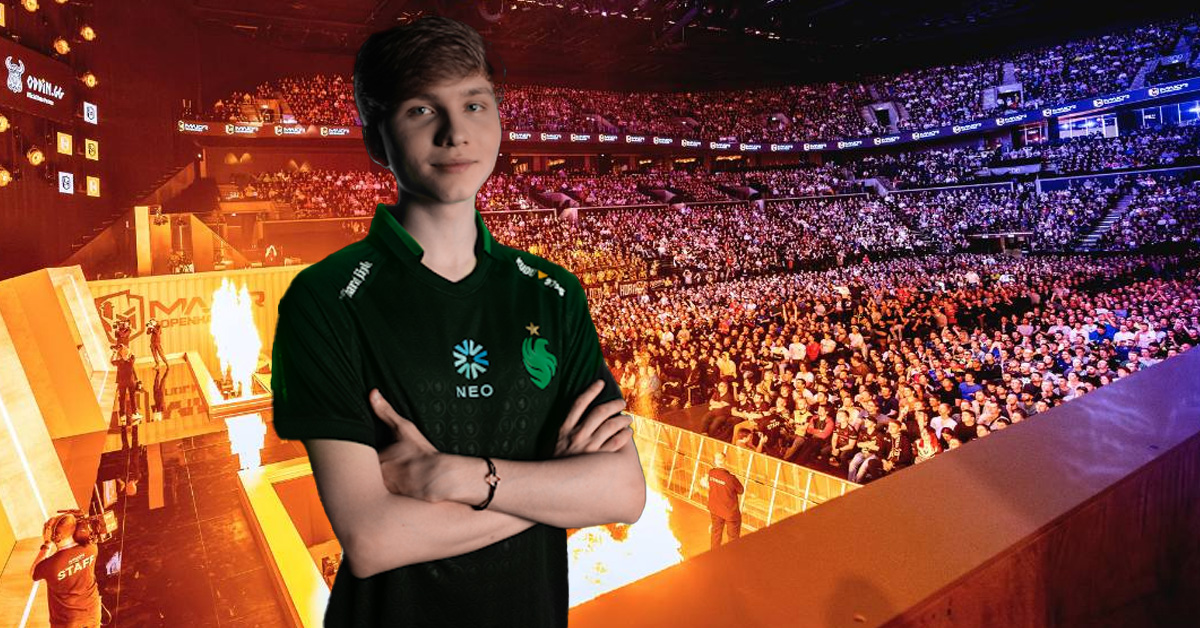
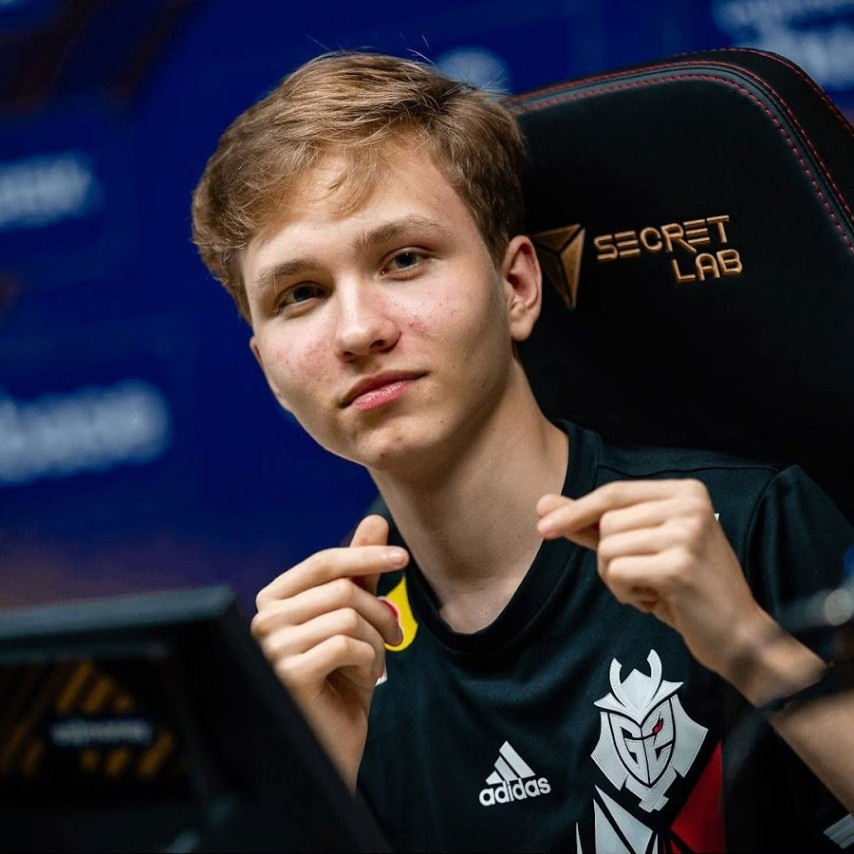
m0NESY is an eastern European professional Counter-Strike 2 athlete playing is the AWP position for G2 esports. He layed the first blocks of his e-persona when he was only 14 years old as a member of FACEIT Pro League and from there the journey started. M0nesy today is purported to be one of the most celebrated and admired players, as well, who did not cease to be a source of content for his fans by constantly modifying and changing things, so much so, that at this point it was mostly fanfare.
 Credit: YouTube
What kind of customizations does m0NESY use in CS2?
The m0NESY setup in Counter-Strike 2 is quite different from other setups as it focuses not only how the game is played, but which role the cyber athlete assumes within the team. As a result, they not only help the professional to reach a high level of performance, but also allow them to perform at the highest possible level.
m0NESY CS2 mouse settings
Since aiming allows for a mouse adjustment in CS2, m0NESY applies adjusting settings that help him be fast in action while being able to check or aim carefully on each shot. Those kinds of adjusting settings would allow one to have speed combined with a reasonable degree of precision, which does matter for using an AWP especially.
Setting | Value |
|---|---|
Mouse | Logitech G Pro X Superlight 2 Black |
DPI | 400 |
Sensitivity | 2.3 |
eDPI | 920 |
Zoom Sensitivity | 1 |
Polling Rate (Hz) | 4000 |
Windows Sensitivity | 6 |
The m0NESY mouse settings can provide high accuracy of aiming, which is especially important for a professional level player. With such parameters the sight moves in the most predictable way, instantly reacting to the slightest movements of the player.
m0NESY crosshair code CS2
Adjusting the sight is an important process that is maximally ideal for each player. It is important that the intersection does not cover too much space, while still standing out well, regardless of the lighting and color scheme of the map.
Setting | Value |
|---|---|
Style | Classic Static |
Follow Recoil | No |
Dot | No |
Length | 1 |
Thickness | 1 |
Gap | -4 |
Outline | No |
Color | Cyan (R: 0, G: 255, B: 135) |
Transparency | 255 |
m0NESY crosshair code CS2: CSGO-8nb3d-Et6WE-QsF6B-V3E7j-WphrM
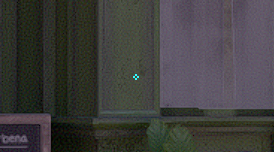
Credit: CS2
The minimalistic style is not distracting and also provides good target visibility. The color of the sight helps it to be easily recognizable on most maps.
Customizing the m0NESY Viewmodel in CS2
The m0NESY Viewmodel provides good visibility by minimizing blind spots in the half sight.
Setting | Value |
|---|---|
FOV | 68 |
Offset X | 2.5 |
Offset Y | 0 |
Offset Z | -1.5 |
Presetpos | 2 |
Command for customization:
viewmodel_fov 68; viewmodel_offset_x 2.5; viewmodel_offset_y 0; viewmodel_offset_z -1.5; viewmodel_presetpos 2;
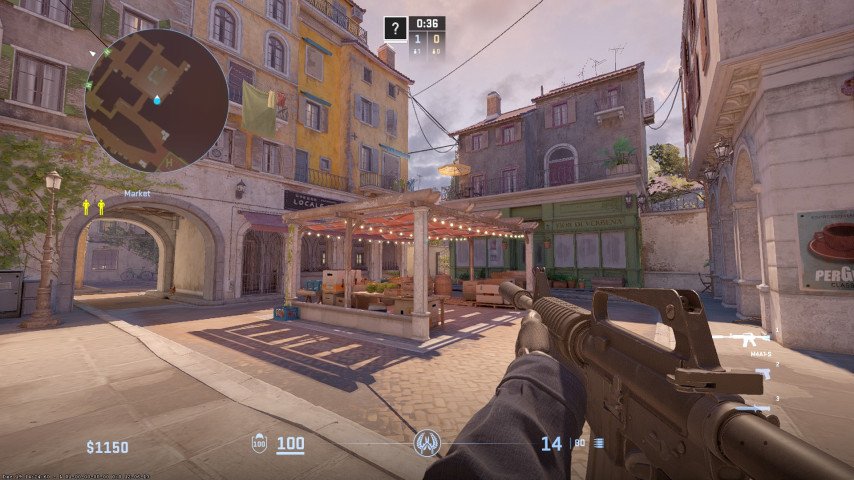 Credit: CS2
Such weapon model settings provide maximum control over the game situation, providing a good view.
m0NESY CS2 Video settings
The cyber athlete's graphics settings maximize performance. The player uses low detail settings, which allows you to achieve high FPS by minimizing the load on the system. As you know, a consistently high FPS is critical in professional Counter-Strike 2.
Setting | Value |
|---|---|
Resolution | 1280x960 |
Aspect Ratio | 4:3 |
Display Mode | Fullscreen |
Brightness | 93% |
Player Contrast | Enabled |
V-Sync | Disabled |
NVIDIA Reflex Low Latency | Disabled |
Max FPS | 999 |
Anti-Aliasing | 8x MSAA |
Model / Texture Detail | Low |
Texture Filtering Mode | Bilinear |
Shader Detail | Low |
Dynamic Shadows | All |
Ambient Occlusion | Disabled |
HDR | Quality |
FidelityFX Super Resolution | Disabled |
These settings will provide high frame rates even on less powerful systems, while maintaining good sharpness of image detail.
What kind of PC can handle m0NESY CS2 settings?
To comfortably play CS2 with m0NESY settings, even an average performance PC is enough. An eight thread processor and a medium performance graphics card will be enough to maintain a high frame rate.
Component | Recommendation |
|---|---|
Processor | Intel Core i5-12400 or AMD Ryzen 5 5600X |
GPU | NVIDIA GeForce GTX 1660 Ti or better |
RAM | 16 GB DDR4 |
Storage | 500 GB SSD |
Operating System | Windows 10/11 |
This configuration provides enough frame rate for professional level, but even a less powerful system will be enough to comfortably play with stable FPS at amateur level
Conclusion
The m0NESY settings in CS2 are a clear example that for professional players performance is more important than high image quality. The player's mouse and aiming settings are great for those who want to maximize control over what is happening on the map when playing in AWP position.