How to Open Console in Deadlock
Author: Hawk Live LLC
Last updated:
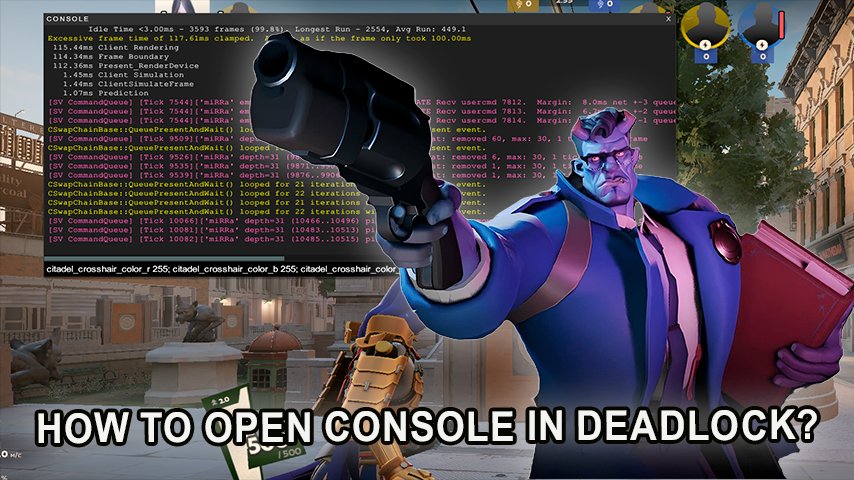
The latest addition from Valve, Deadlock, provides gamers with the chance to interact with the title on a whole new level and console is one of them. Customization of the game or testing new things can be done through the console. The developer console is the key whether you want to change server settings, crosshair or just want to try out cheats with no one around.
 Credit: Valve Corporation
How to Open the Console in Deadlock
Opening The Console in Deadlock
There are two effective ways to use the console within Deadlock:
Using Game Options: Start Deadlock, move to the settings menu and select Options. Look for Enable Console and check the box against it.
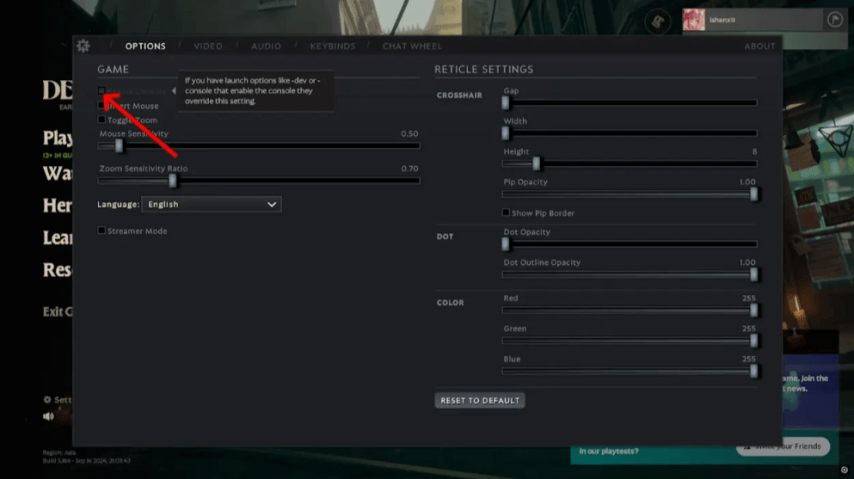 Credit: Valve Corporation
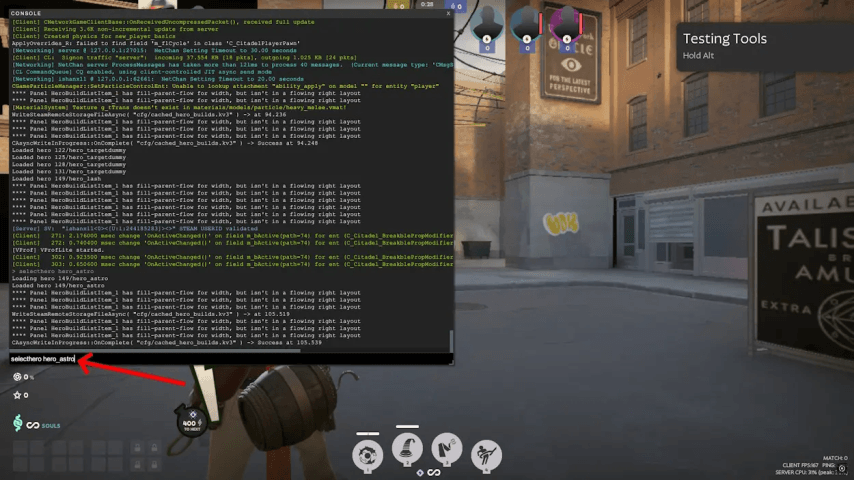
Now while inside a game, press F7 to prompt the console.
Using Steam Launch Options: On your steam library, right-click Deadlock and navigate to properties. Under the general tab, look for the launch options field and type either -dev or -console.
Enter the game and press F7 to press the console.
Intersting Commands Of The Console in Deadlock As the console gets triggered, it enables the users to insert a host of commands. While some of these commands perform their function without the need of sub commands, while others only can work when the game is privately hosted with cheats activated.
Useful Console Commands in Deadlock
Once the console is open, you can input various commands. Some commands work in standard gameplay, while others require cheats enabled in private lobbies.
Console Commands Without Cheats:
Command | Description |
|---|---|
private_lobby_create | Creates a private custom lobby. |
citadel_region_override [num] | Changes server region (-1 for auto, 0 for NA, 1 for EU, etc.). |
citadel_hud_visible [true/false] | Shows or hides the HUD. |
citadel_crosshair_pip_gap [num] | Adjusts the crosshair gap for more customization. |
Console Commands Requiring Cheats (sv_cheats true):
Command | Description |
|---|---|
selecthero [hero_name] | Allows you to select any hero, including unreleased ones. |
dump_hero_names | Lists all available heroes, including unreleased ones. |
citadel_allow_purchasing_anywhere true | Enables item purchasing from anywhere on the map. |
hurtme | Deals 10 damage to your character. |
explode | Instantly kills your character. |
trooper_kill_all | Kills all troopers in the game. |
Final Thoughts
In Deadlock, you will experience a changed form of gameplay once you learn the console commands. Even simple things such as altering the region, changing your HUD, or trying out new heroes becomes an easier task. For players who seek perfection in every aspect, or simply want to see what different options there are, knowledge of these commands becomes significant.