How to Get Old Gun Sounds Back in CS2
Author: Hawk Live LLC
Last updated:
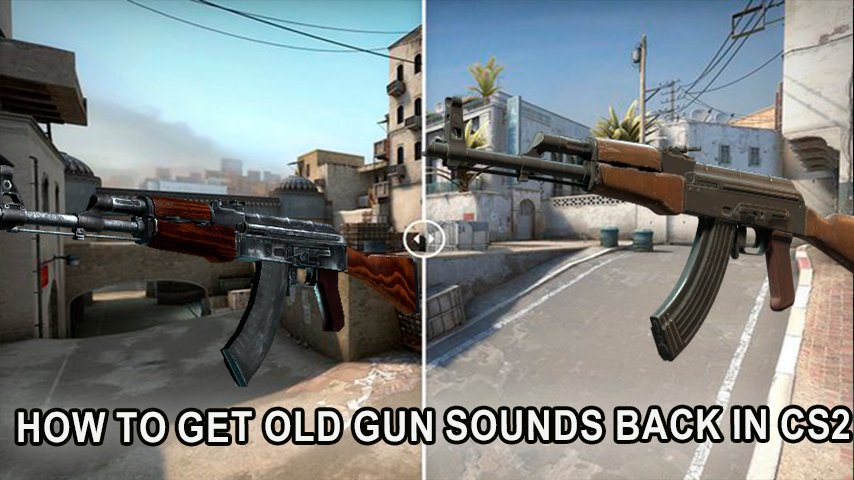
Counter-Strike 2 (CS2) has taken the gaming world by storm with its updated graphics and new features. However, some players are nostalgic for the iconic gun sounds from earlier versions of the game. The sound of gunfire in Counter-Strike is more than just an audio cue; it's a crucial part of the game's identity and player experience.
Why Gun Sounds Matter
Gun sounds in Counter-Strike serve multiple purposes. They help players identify different weapons, gauge distance, and even anticipate the actions of opponents. The familiar audio cues are deeply ingrained in the muscle memory of veteran players, influencing their in-game reactions and strategies.
The Evolution of Gun Sounds in CS2
With CS2's release, the developers introduced revamped gun sounds to enhance realism and immersion. While many players appreciate these updates, others miss the unique, recognizable sounds from previous versions. The older sounds are not only comforting to long-time players but also play a part in the game's competitive atmosphere.
How to Get the Old Gun Sounds in CS2
Restoring the old gun sounds in CS2 requires a few steps and modifications. Here's a guide on how players can bring back those classic audio cues:
Method 1: Manual Installation of Sound Mods
1. Back Up Your Game Files
Before making any changes, it's essential to back up your original CS2 game files. This ensures you can restore the game to its default settings if needed.
Navigate to your CS2 installation folder.
Copy the entire folder and save it in a safe location on your computer.
2. Find a Sound Mod
To change the gun sounds, you'll need to download a sound mod that includes the classic audio files. Several modding communities offer sound packs that mimic the old gun sounds.
Visit reputable modding websites or community forums like GameBanana or Nexus Mods.
Search for CS2 sound mods and select a mod that includes the old gun sounds.
3. Install the Sound Mod
Once you've found a suitable sound mod, follow these steps to install it:
Download the mod files to your computer.
Locate your CS2 installation folder.
Open the “cs2” or “sounds” folder within the game directory.
Replace the existing sound files with the ones from the mod. Make sure to overwrite the files when prompted.
4. Adjust Sound Settings
After installing the mod, you may need to adjust your in-game sound settings to ensure the new sounds play correctly.
Launch CS2 and go to the settings menu.
Navigate to the audio settings tab.
Adjust the volume and other audio options to optimize the sound quality.
5. Test the Changes
Finally, launch a game to test the new sounds. Ensure everything works as expected and the old gun sounds are playing correctly.
Method 2: Use of Workshop Mods
Valve’s Steam Workshop is a valuable resource for mods, and it often hosts sound packs that bring back classic sounds. Here's how to use it:
Access Steam Workshop
Open Steam and navigate to the CS2 page.
Click on the "Workshop" tab to explore available mods.
Search for Sound Packs
In the Workshop search bar, type “classic gun sounds” or “old gun sounds.”
Browse through the available mods and read the descriptions and user reviews to ensure compatibility.
Subscribe to the Mod
Once you find a suitable sound mod, click on the “Subscribe” button. This will automatically download and install the mod into your game.
Activate the Mod in Game
Launch CS2 and go to the “Workshop” section within the game.
Locate the downloaded sound pack and activate it.
Test the Sounds
Start a game session and confirm that the old gun sounds are active and functioning as expected.
Method 3: Using Config Files
For players who are comfortable with editing game files, another option is to manually adjust configuration files:
Locate Config Files
Navigate to your CS2 directory, typically found in C:\Program Files (x86)\Steam\steamapps\common\Counter-Strike 2\csgo\cfg.
Edit Sound Settings
Open the autoexec.cfg file in a text editor.
Add or modify lines that change sound parameters, potentially linking to older sound files.
Save and Test
Save your changes and launch CS2 to see if the desired changes have taken effect.
Alternative Solutions
If manual modifications are not preferable, players can explore additional options:
Community Plugins: Some community-developed plugins might offer sound customization without direct file modifications. Research plugins in community forums for possible solutions.
Feedback to Developers: Engaging with the community and providing feedback to developers through forums can sometimes lead to the introduction of official options to switch between sound packs.
While many players enjoy the nostalgia of old gun sounds, it's important to consider potential drawbacks. Using sound mods in online multiplayer may violate game policies, so it's crucial to check if such modifications are allowed on the servers you frequent. Always prioritize fair play and adhere to community guidelines to avoid any penalties.
Conclusion
For those who miss the classic gun sounds of earlier Counter-Strike versions, modifying CS2 to include these audio cues can enhance the gaming experience. By following the steps outlined above, players can enjoy the familiar sounds that have been a part of Counter-Strike’s legacy for years. Always ensure that any modifications comply with game policies to maintain a fair and enjoyable environment for all players.