Dota 2 Attack guide
Author: Hawk Live LLC
Last updated:
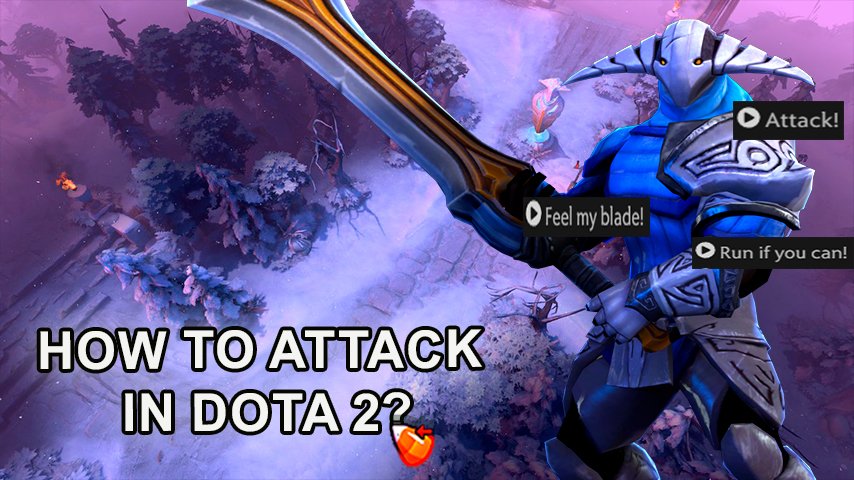
In the world of esports, Dota 2 has risen to become a global game. The essence of this competitive madness revolves around attacking – an innocent action which explodes into a maze of tactics and finesse.
Basics of Attacking in Dota 2
Dota 2 is a player-versus-Player (PVP) game, where attacking stands out as one key skill. In this regards, it requires that you engage the enemy heroes in fighting until their health points are reduced to zero (0). Basically, There are two types of attacks in Dota 2; targeted and non-targeted.
Targeted Attacks: This attack requires the player to right-click on an enemy hero. Upon doing so, your hero launches an attack directly at the target.
Non-Targeted Attacks: These attacks are executed by right-clicking on a location or selecting a direction for the attack. Non-targeted attacks include area of effect (AOE) abilities, such as Pudge's Meat Hook or Primal Beast's Onslaught, which do not automatically home in on enemies like targeted attacks do.
Often players combine right clicks with particular spell hotkeys thereby allowing them to use basic attack skills or activate their hero abilities e.g., “Q” ability activation followed by a right click for the attack’s execution.”
Auto Attack in Dota 2
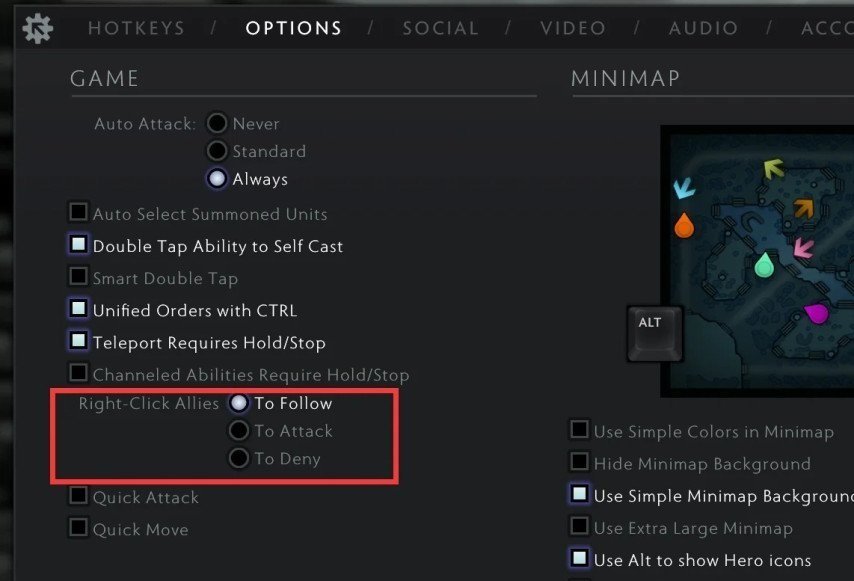
Auto attacking is allowed in Dota 2 where your hero begins fighting nearby enemies without your command. Nonetheless, precise engagements as well as avoiding unintended actions leading to dangerous situations during gameplay necessitate mastering manual control.
Attack Move Click
 Credit: Valve Corporation
An adaptation from RTS and MOBA games, attack move click is another technique avid Dota 2 players can employ for better positioning and engagement. It allows you to press the letter “A” followed by clicking anywhere on the ground thus making your character move there then engage anyone within their range automatically. This makes certain distance is maintained while aggression stays constant.
Changing Attack Stop in Dota 2
The ability to cancel an attack or spell cast before it completes is a vital strategy for feinting or undoing misplaced actions. Inside the game settings, the “Stop” key can be customized so as to provide an easy way of stopping your action. This flexibility allows for more controlled and strategic play, particularly in situations that require quick decision making.
Quick Attack Without Cursor Pointing
“Attack move” function lets you attack the nearest enemy without having to put your cursor directly on them. It is handy especially when you want to target swiftly moving creatures such as couriers or units moving through tree-covered areas.
Leveraging Quick Cast
Dota 2 has the option of “quick cast” for people who are transitioning from games like League of Legends and wish to execute abilities or attacks with fewer clicks. This feature is a boon to players’ reflexes and ability chains.
Conclusion
To learn how to attack well in Dota 2, one must understand mechanics, integrate advanced tactics, and customize controls to fit his/her playstyle. Whether it’s refining auto attacks, using attack move for tactical placements, or modifying attack stop configurations at each stage will enhance your skills on the virtual battlefield. You can become a great adversary on Dota 2 by practice, accuracy and calmness in combat situations.