Dota 2 Servers: Regions, Status and Connection Fixes (2026)
Author: Hawk Live LLC
Last updated:
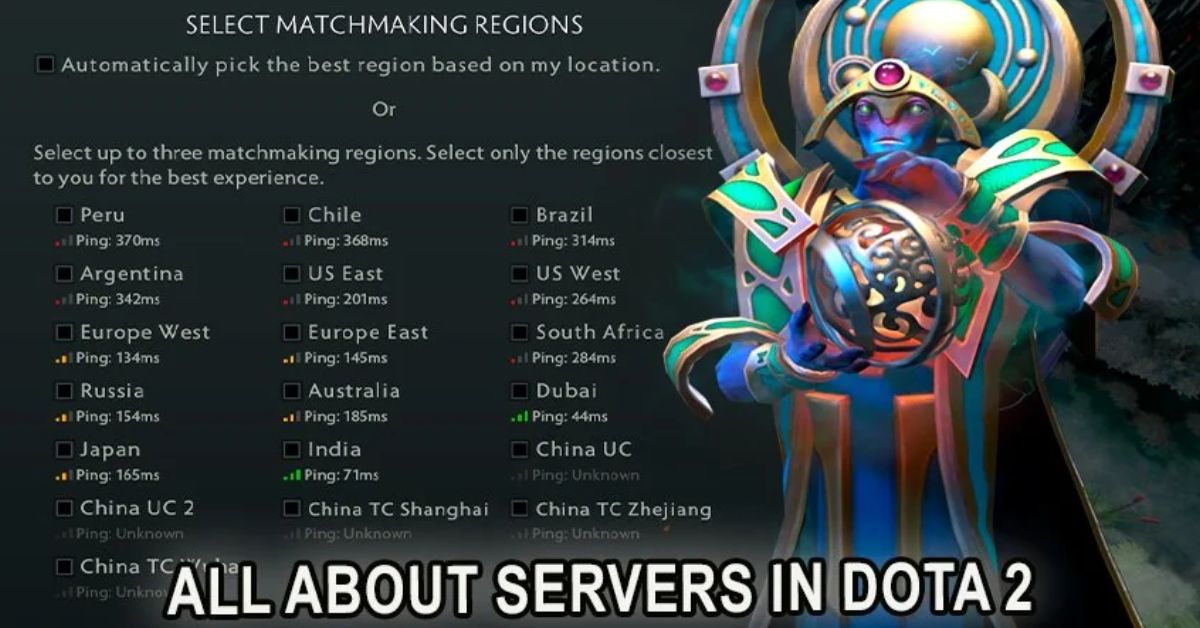
In Dota 2 you can choose from up to three regions to find games in, or use automatic region selection. Opt for the regions with lower ping to improve game play. If you are consistently failing to connect or getting disconnected from games, check if it’s Valve’s servers first. Server maintenance and updates may cause them to be unavailable. You can check is Dota 2 servers down to rule out this possibility.
What Are the Server Regions in Dota 2?
Dota 2 has servers covering various regions, including the following:
Region | Areas Served |
|---|---|
US West | Western US and Canada |
US East | Eastern US and Canada |
Europe West | Western Europe |
Europe East | Eastern Europe |
Russia | Russia and surrounding countries |
Southeast Asia | Southeast Asia |
Australia | Australia and New Zealand |
South America | South America |
Brazil | Brazil and surrounding countries |
Chile | Chile and surrounding countries |
Peru | Peru and surrounding countries |
Argentina | Argentina and surrounding countries |
Dubai | Middle East |
South Africa | South Africa and surrounding countries |
India | India and surrounding countries |
Japan | Japan |
South Korea | South Korea |
Taiwan and Hong Kong | Taiwan, Hong Kong and surrounding countries |
China | China |
Valve uses its own Steam network to route connections to other regions. So the region your game is assigned may not be the region you are physically connected to.
Editing Your Matchmaking Region in Dota 2
Launch Dota 2 and load the matchmaking screen.
Next to the 'Find Match' button there is a setting to edit your region.
Click on this to expand a list of regions.
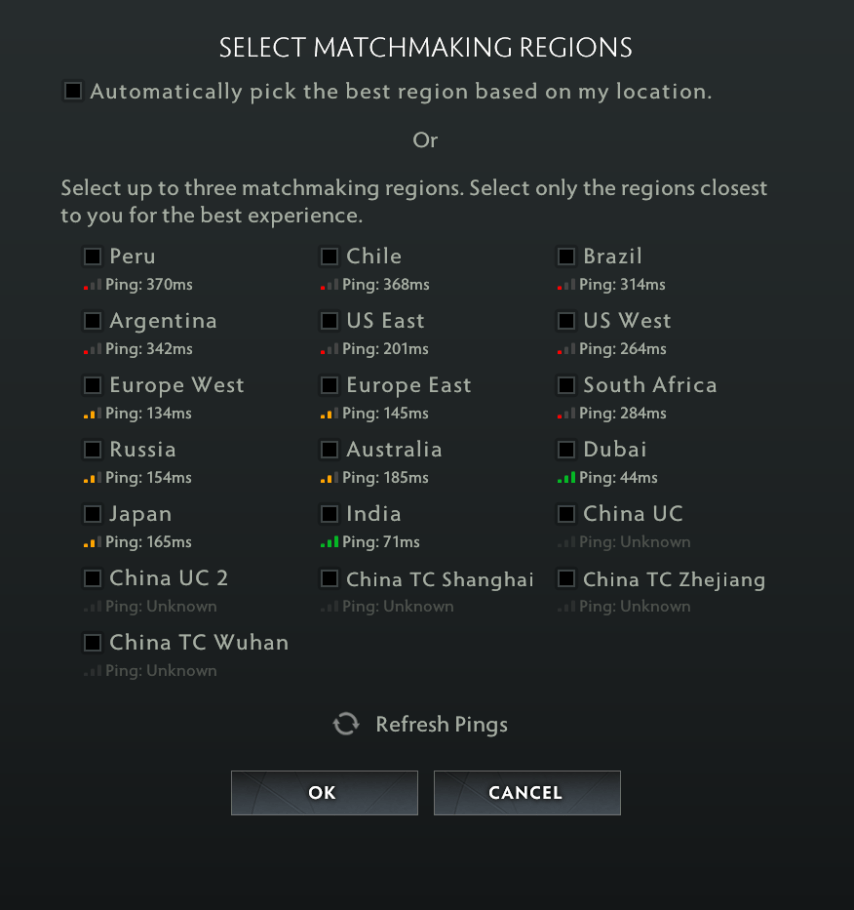
From here you can select up to three options and wait for matchmaking to complete, or turn on automatic region selection.
 Credit: Valve Corporation
Once automatic region selection is complete you can return to this screen to adjust the settings.
Ping times vary depending on your location, so it's a good idea to play around with the settings to determine which region gives the best ping. Pick too few regions to check and matchmaking will take longer.
Ping times also vary depending on the server location.
You should also consider which regions have the highest concentration of users who speak your native language.
Picking a region with a long distance from your location to reduce matchmaking time is not a good idea.
Credit: Valve Corporation
Why Is Dota 2 Lagging and How to Fix It?
To troubleshoot high ping issues, see how to lower ping in Dota 2.
Try selecting a different, closer region. Close any programs that use the internet. If you have the option to connect to your router using an Ethernet cable, that will also possibly improve your connection. For more ways to resolve why Dota 2 is lagging, take a look at this article.
Packet loss can occur even with normal ping, and will cause the game to lag and heroes to teleport to previous positions or ‘jump’ to new positions. To rule out connection problems and for more information on this issue, see our guide to Dota 2 packet loss.
This issue may also be caused by issues on Valve’s end. In this case try closing and restarting Steam.
If you are getting a ‘Network Search’ error, make sure your internet connection is functional and try verifying the game files. Also try using a different Dota 2 server location. For more ways to resolve this issue, see our guide to network search issues in Dota 2.
If you are getting disconnected during a game, try reconnecting through the main menu. To rule out issues with your internet connection and reduce the likelihood of other users disconnecting from the game as well, reconnect to the game via the main menu. If the game server is experiencing issues, there isn’t much you can do but wait.
Troubleshooting Dota 2 Connection Issues
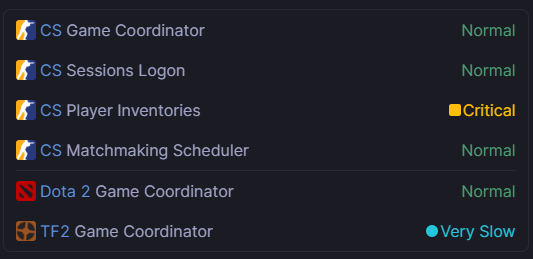
Before attempting to adjust settings on your computer, first determine if there are issues with Dota 2’s servers.
Go to the server status page for both Steam and Dota 2.
Ask some friends if they are also having issues connecting to games.
If they can connect to games and you can’t, try restarting both Steam and Dota 2.
Try connecting to a Dota 2 server in another location.
Dota 2 servers can be taken offline by Steam for upgrades and maintenance. If you are experiencing connection issues with multiple games, you should check the status of your connection to Steam as well.
You can also read our guide to the Dota 2 Game Coordinator error if you cannot connect to the coordinator.
Credit: Valve Corporation
Quick Action Guide
Check the status of Dota 2 servers.
Choose server locations with the lowest ping.
Disable any Steam background downloads and use a wired connection to the internet.
Restart both Dota 2 and Steam.
Verify the game files.
Contact your Internet Service Provider if the issues persist.