Top 5 Must-Have HUD Skins in Dota 2 That Will Boost Your Game
Author: Hawk Live LLC
Last updated:
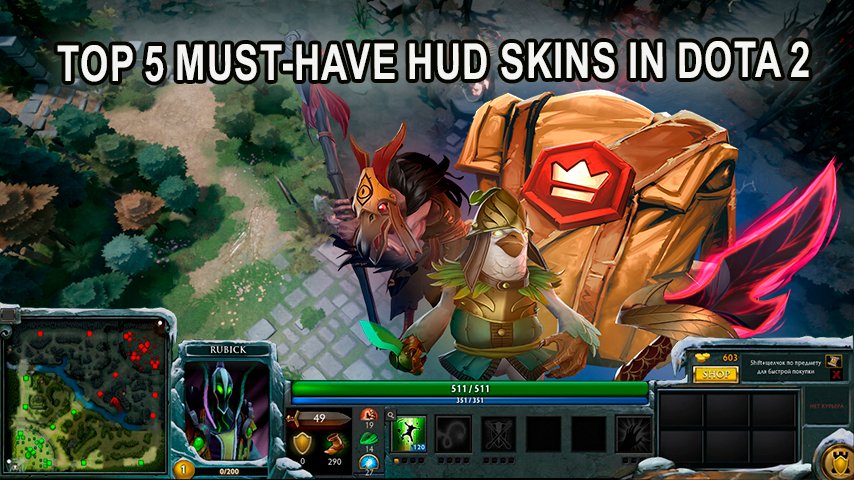
In the world of Dota 2, where every detail can influence the gameplay, the choice of HUD (Head-Up Display) plays a significant role. HUD is a set of elements that display essential information about the game state, hero, inventory, and other key aspects. A well-chosen HUD not only improves visual perception but also contributes to more effective hero management.
The Importance of HUD in Dota 2
HUD provides players with all the necessary information: hero health and mana, available abilities, inventory, mini-map, and more. Customizing the HUD allows players to adapt the interface to their preferences, potentially improving comfort and gameplay efficiency.
Popular HUD Styles
There are numerous HUD skins, each with a unique design and features. Let's look at some of the most popular options:
Sands of Luxor: This style features an elegant color palette and detailed design reminiscent of ancient pyramids. Wings near the shop button and unique hero portrait designs give it a distinctive charm.
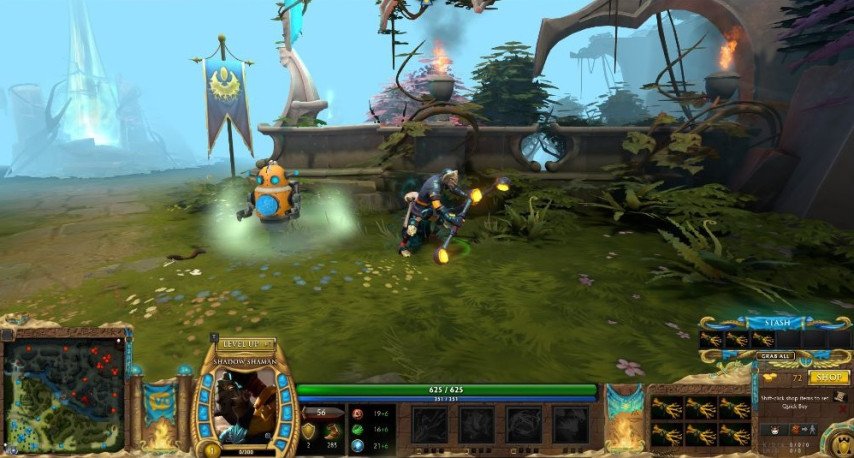 Credit: Valve Corporation
Portal: Inspired by Valve's game Portal, this HUD highlights allies with orange and enemies with blue. It also introduces new sound effects and observer skins.
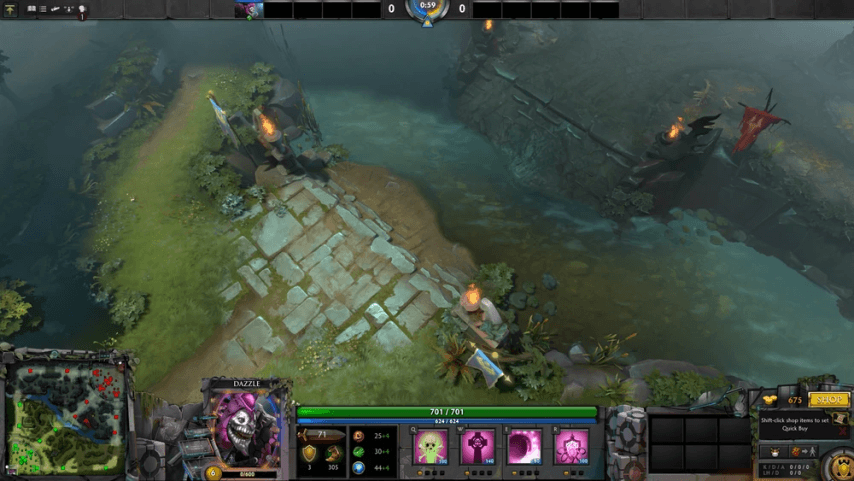 Credit: Valve Corporation
Mana Pool: Designed in a "meteorite" theme, this interface features dark blue and black tones, creating a mysterious atmosphere.
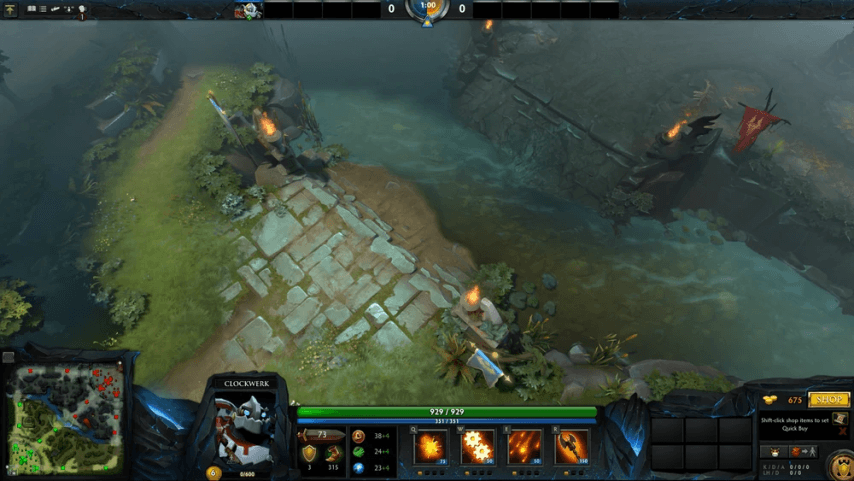 Credit: Valve Corporation
Alliance HUD: Inspired by the Alliance esports team, this HUD comes in standard and "rainy" styles. Elements are designed in green, black, and gray tones, with the "A" symbol as a centerpiece.
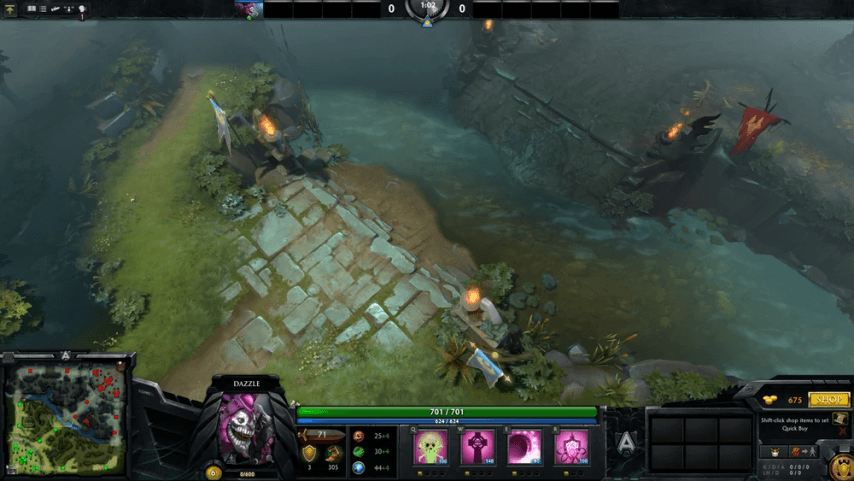 Credit: Valve Corporation
Valor: One of the earliest HUD skins introduced in the game. It features a simple and elegant design with gray tones and green highlights.
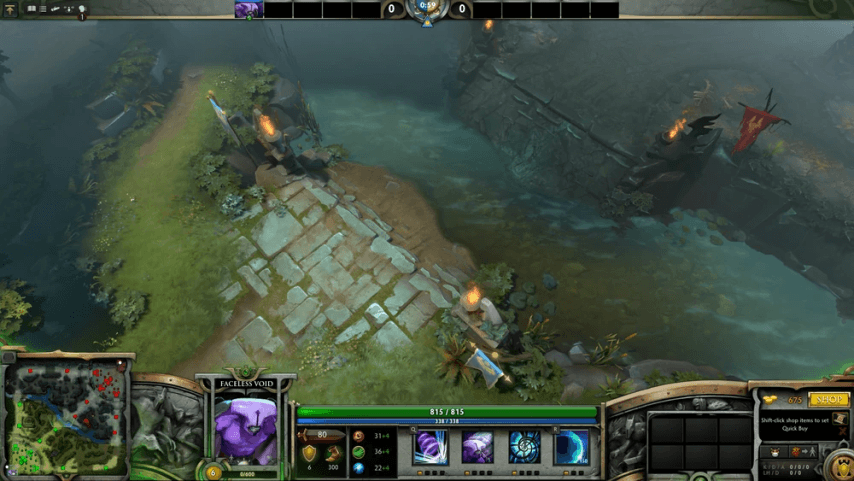 Credit: Valve Corporation
How to Choose the Right HUD
When selecting a HUD, consider the following factors:
Functionality: The interface should not distract from the game or interfere with hero control.
Compatibility: Ensure that the HUD supports your monitor's aspect ratio (16:9, 16:10, or 4:3).
Aesthetics: Choose a style that matches your visual preferences and doesn't strain your eyes.
Where to Get HUD Skins
Most HUD skins are available in the Steam Store or on the Steam Market. Prices vary depending on the rarity and popularity of the skin. Some interfaces can also be obtained through special events or battle passes.
Conclusion
Customizing the HUD in Dota 2 is not only a way to express individuality but also an opportunity to enhance the gaming experience. By selecting the right interface, players can make the game more comfortable and enjoyable, ultimately influencing their performance in matches.