Art of Pausing in Dota 2: A Must-Read Guide for Every Player!
Author: Hawk Live LLC
Last updated:

Every second counts in the intense, fast-paced world of Dota 2. Sometimes you need a rest. Anything from an unforeseen disturbance, to a player disconnecting or strategic timeout could necessitate putting the game on pause. This article is an all-inclusive guide on how to make use of the pause feature in Dota 2 and survive through those moments of tranquility amidst chaos.
What is a Pause in Dota 2?
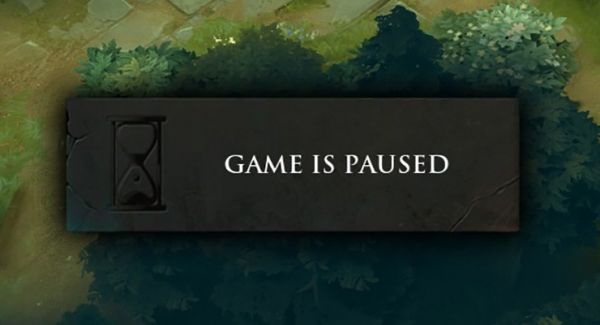
A pause in Dota 2 is a temporary halt in the game, allowing players and teams to address unforeseen issues or tactical tasks. This feature can be utilized in various situations, both in casual matches and professional tournaments.
Credit: Dota2.net
Why Do You Need a Pause in Dota 2?
Pauses can be necessary for various reasons, and understanding them will help you use this feature effectively.
Technical Issues: Connection loss, equipment, or software problems may require time to fix.
Strategic Discussions: Teams can use the pause to discuss tactics, plan actions, or adjust strategies.
Personal Time: Sometimes players need time for personal needs, such as grabbing food or taking a call.
How to pause Dota 2
Pausing a match in Dota 2 isn’t as hard as you think it is. All that is required is just pressing one key: by default this key is F9. Pressing F9 during a match will freeze all players and halt any action taking place at that instant so that any issues can be sorted out without the game progressing.
Pausing and Resuming Matches in Dota 2
Here are tips on resuming a paused or disconnected Dota 2 match:
Pausing the match: If a player fails to connect, disconnects from the lobby, or if there's a need for a brief interruption, the online Dota 2 match can be temporarily paused. Any active player can halt the match by pressing F9.
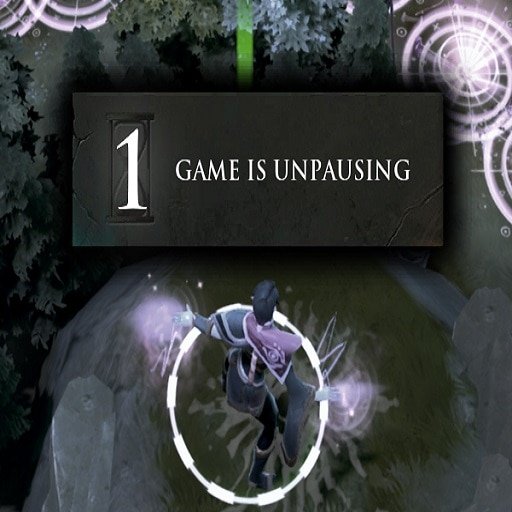
Resuming the match with no disconnects: If there are no disconnected players, both teams can instantly resume the match by pressing F9 once again. This triggers a three-second countdown before the game resumes. Note that there is no countdown when you're playing against bots.
Resuming the match with disconnects: If a player has disconnected, whether intentionally or due to network errors, only the team with the disconnected player can instantly resume the match. The enemy team, if there are no disconnects on their side, can resume the game after 30 seconds.
Pausing limitations: Every player has one pause per five minutes. If the team has a disconnected player, the game can still be paused for a total of two minutes when every player on the team takes turns pausing the game. As mentioned before, the opposing team cannot unpause after 30 seconds. Ideally, with only one disconnected player on your team, four people can pause for a minimum of 30 seconds.
Pausing rarely happens when there are no disconnected or absent players, but in tense matches both teams might decide to pause the game so as to share ideas with their team members.
How to change your Pause Hotkey
While F9 is the default hotkey for pausing, Dota 2 allows you to customize this. To change your pause hotkey:
Click the gear icon to access the Settings menu,
Select the Hotkeys tab.
Find "Pause" and click on it
Bind new hotkey

Understanding Pause Rules
There are rules for pausing in Dota 2. Any player can initiate a pause; however there is a cool down period that prevents excessive usage. Each player receives one pause until the reset of cooldown happens. In addition, unpausing is also subject to certain guidelines: Allies are allowed to unpause whenever necessary and without conditions; nevertheless, enemies can only do this after five seconds that no one has been disconnected and thirty seconds if any of them has been.
Pausing through Console
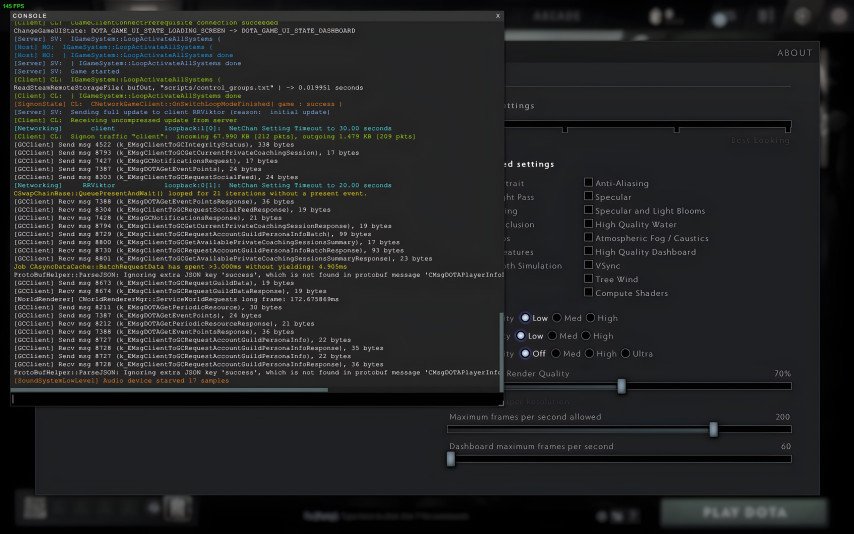
It is important to note that beyond the traditional means, pauses can also be triggered through console commands in Dota 2. This method is especially vital during load out stages and drafting phases like Captain’s mode where a pause may be required due to disconnection of a captain. To pause via the console, you just have to open it and type “dota_pause”.
The Controversy Around Pausing
Besides its practical uses, the pause function in Dota 2 has become very controversial. Some game players claim that pausing can lead to abuse with players stopping playing for no reason at all.
Pause Etiquette: In casual matches, it's customary to inform opponents of the reason for the pause in chat to avoid misunderstandings and conflicts.
Pause Before Kill: Pausing right before landing a decisive blow is considered disrespectful and goes against the spirit of fair play.
This issue has caused arguments within the community as to whether pausing should be restricted or allowed only under some specific conditions.
Credit: Valve Corporation
Conclusion
Understanding and mastering the pause feature in Dota 2 can significantly impact your gaming experience. When it comes to pausing, hitting a button does not suffice; it is about knowing when, how and rules guiding it plus respecting others playing along you. By applying these principles, one will secure uninterrupted matches at Dota 2 even when things are falling apart outside there.